Modeling & Materials

Weekly Design Challenges

Cohen Reimer


Module 1


Design Challege 1: Modelling a Pen in Blender, and Rendering it with Materials and Lighting

Design Challenge 1
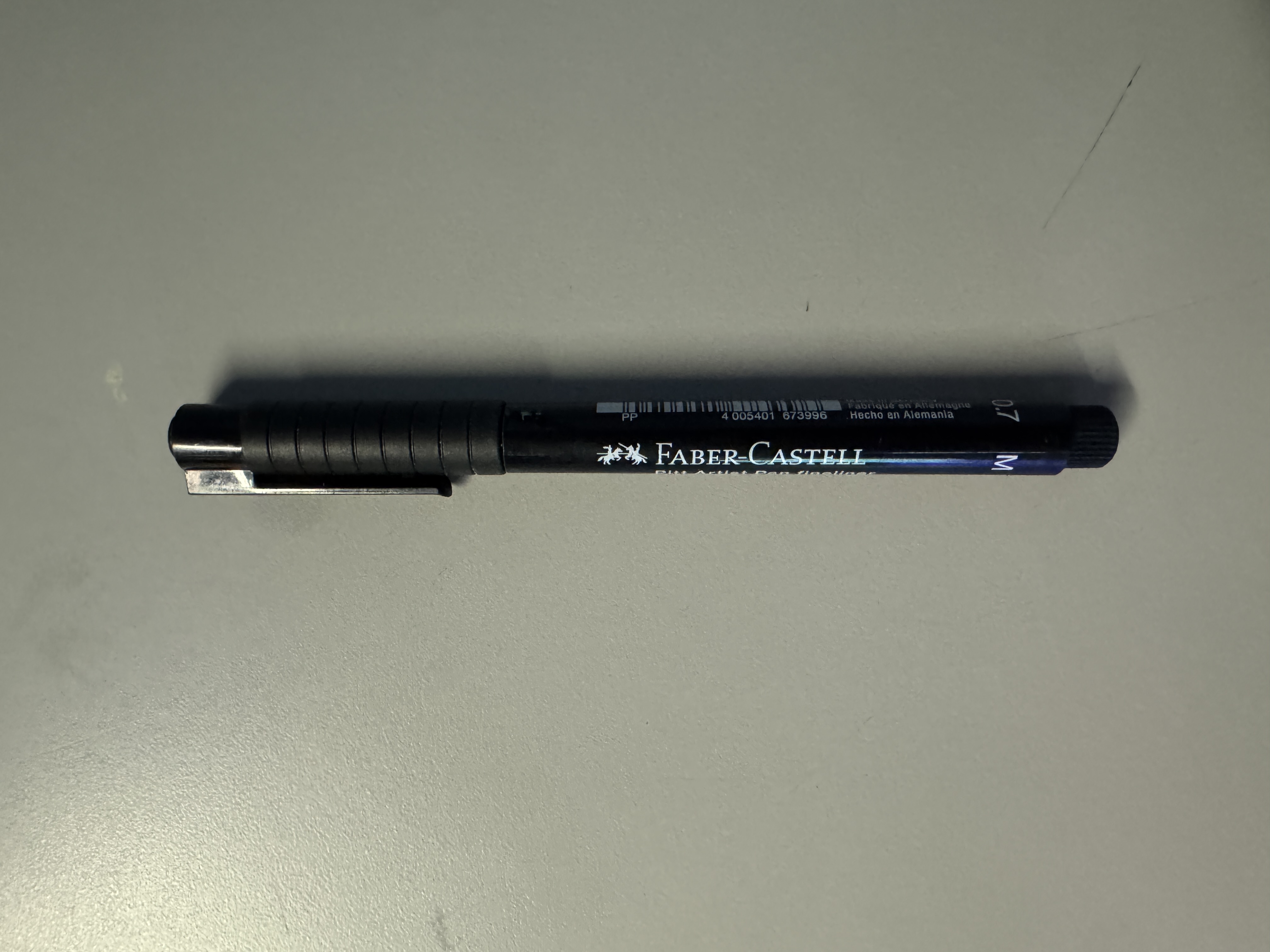
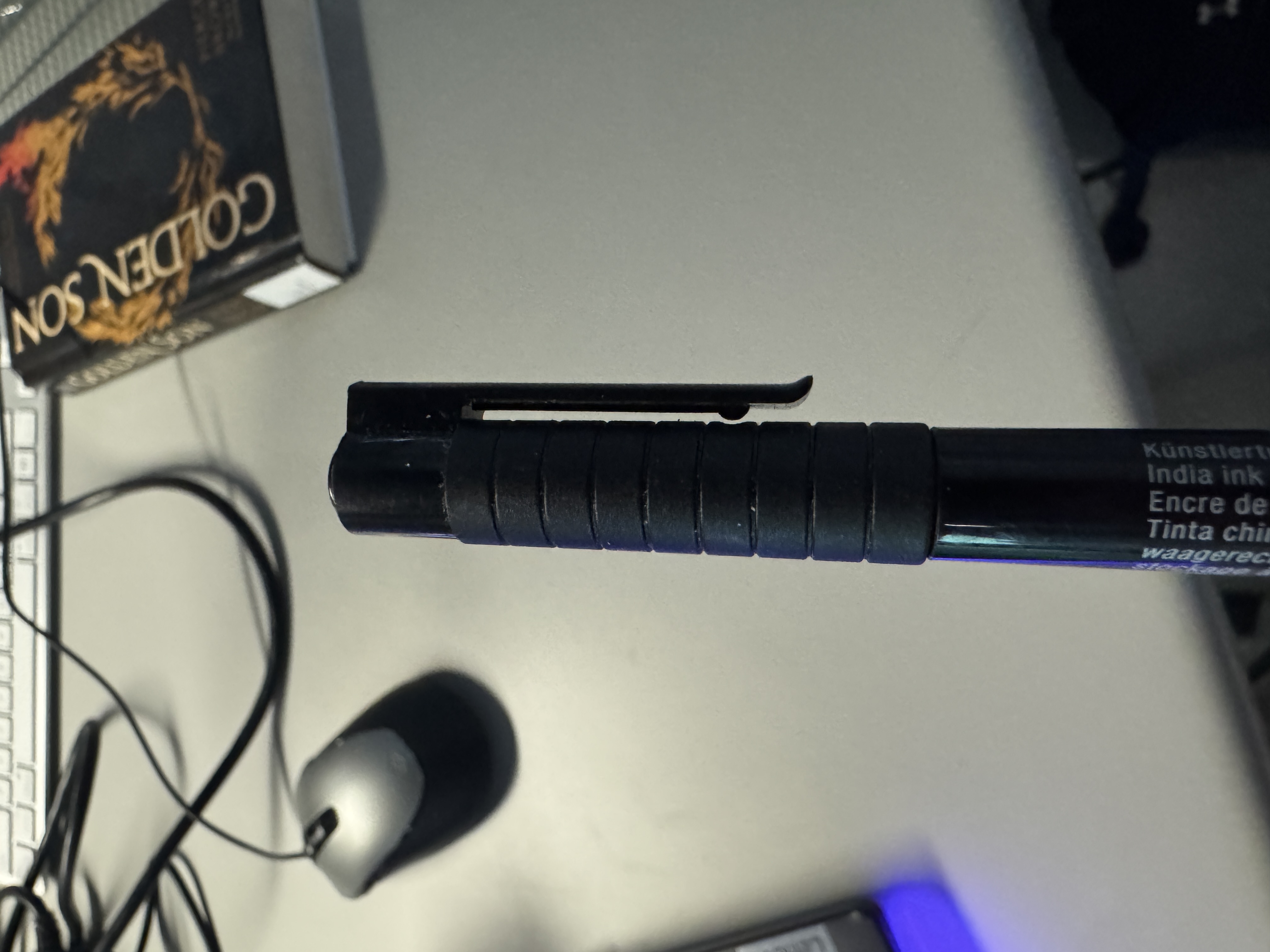
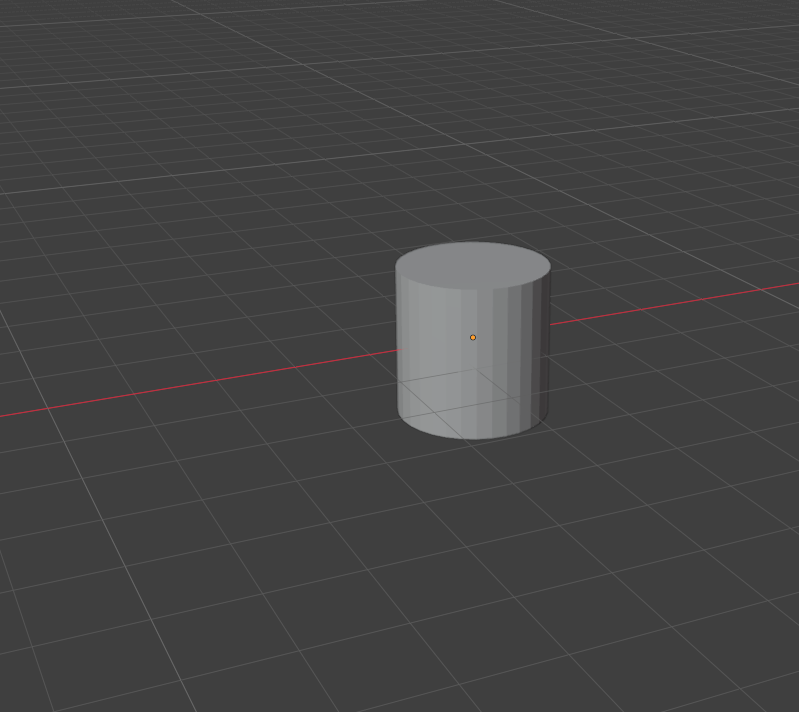
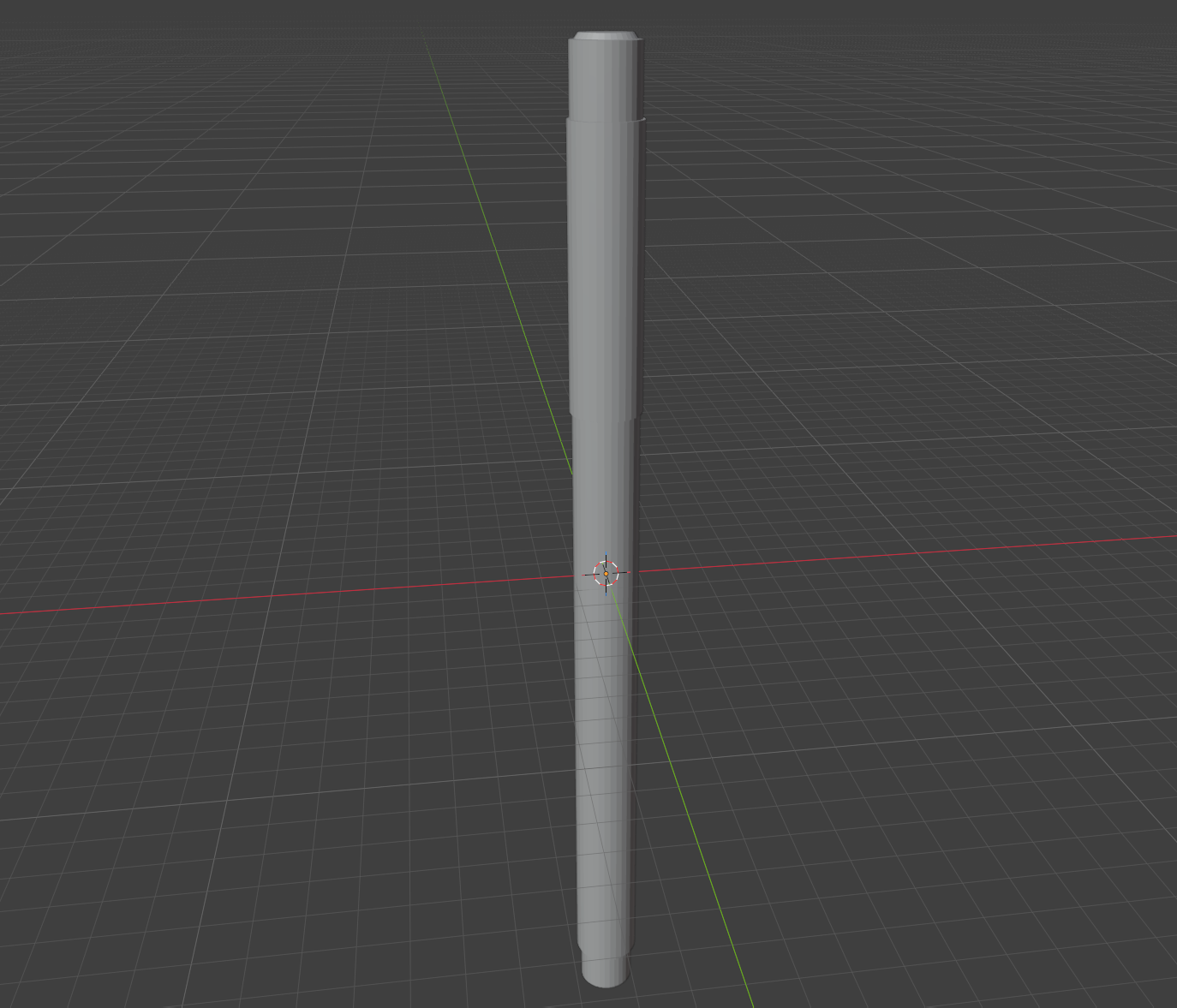
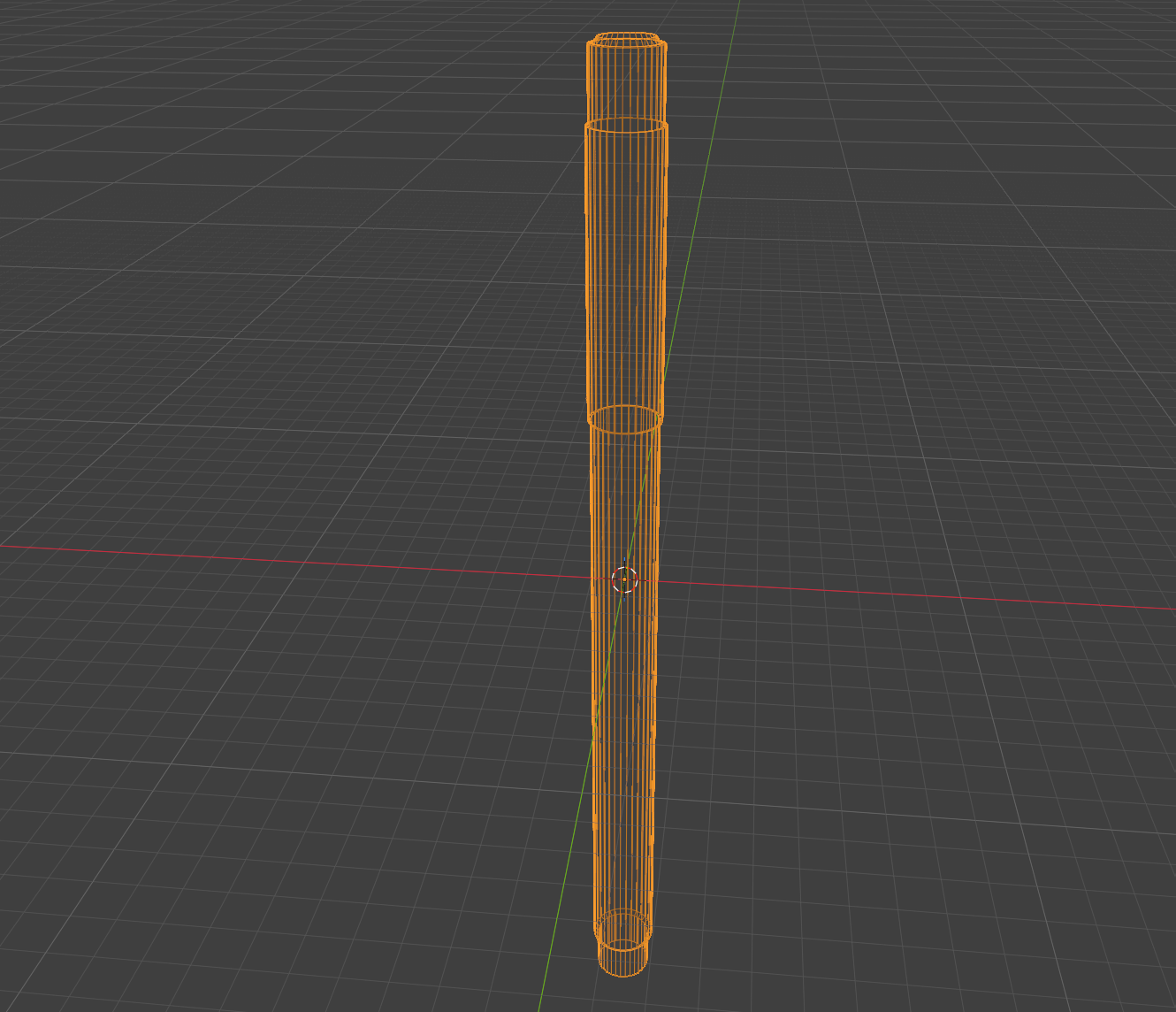
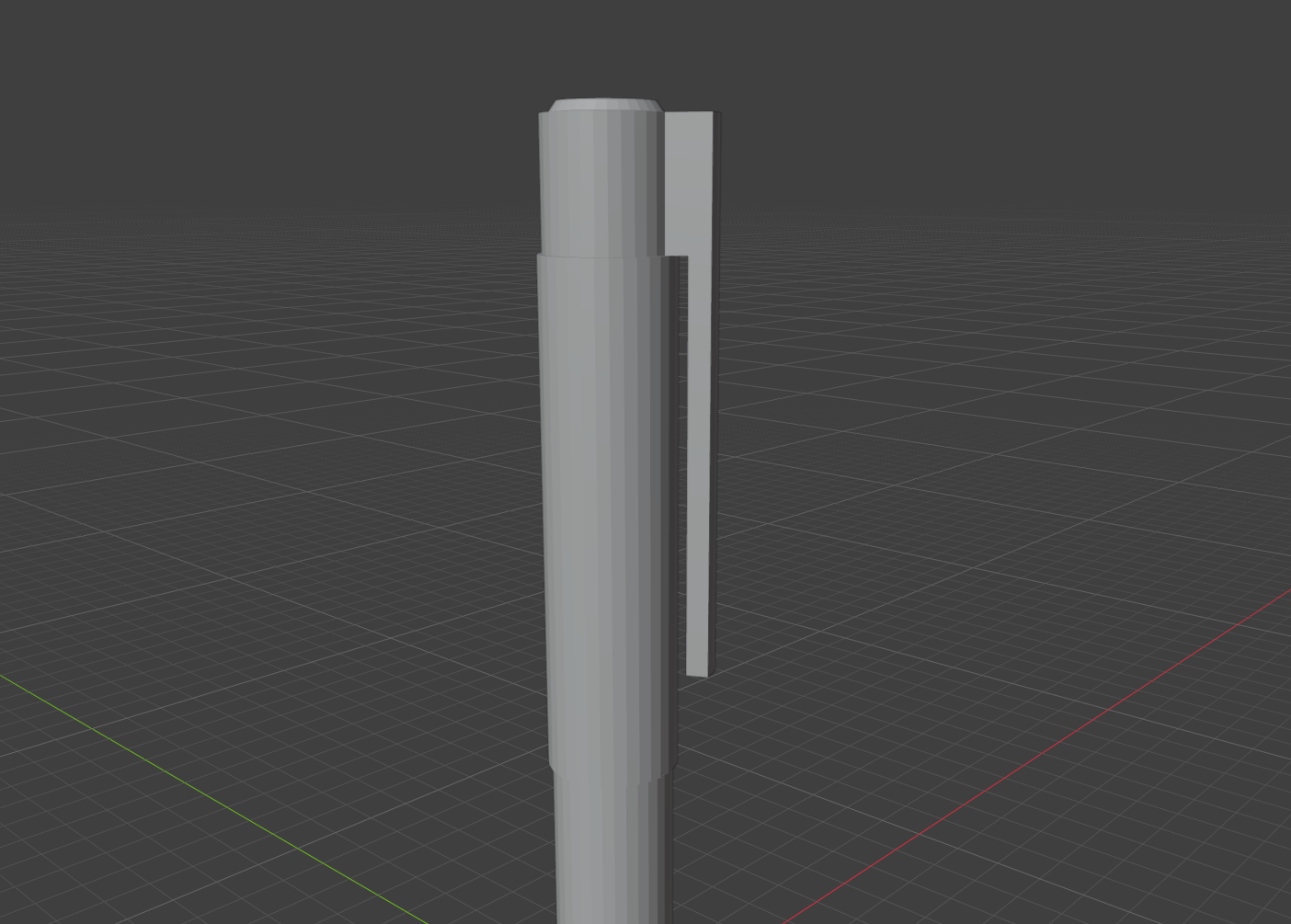
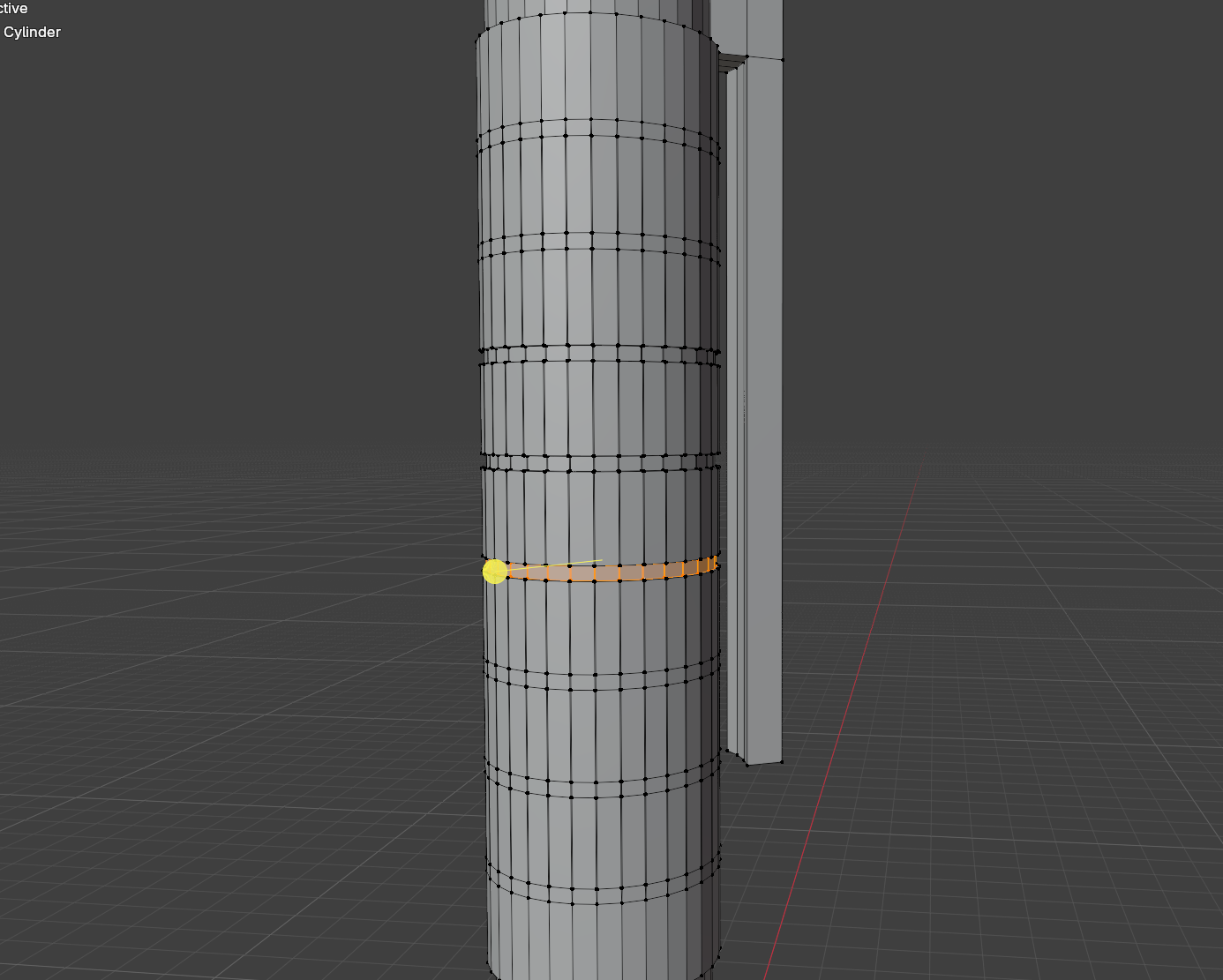
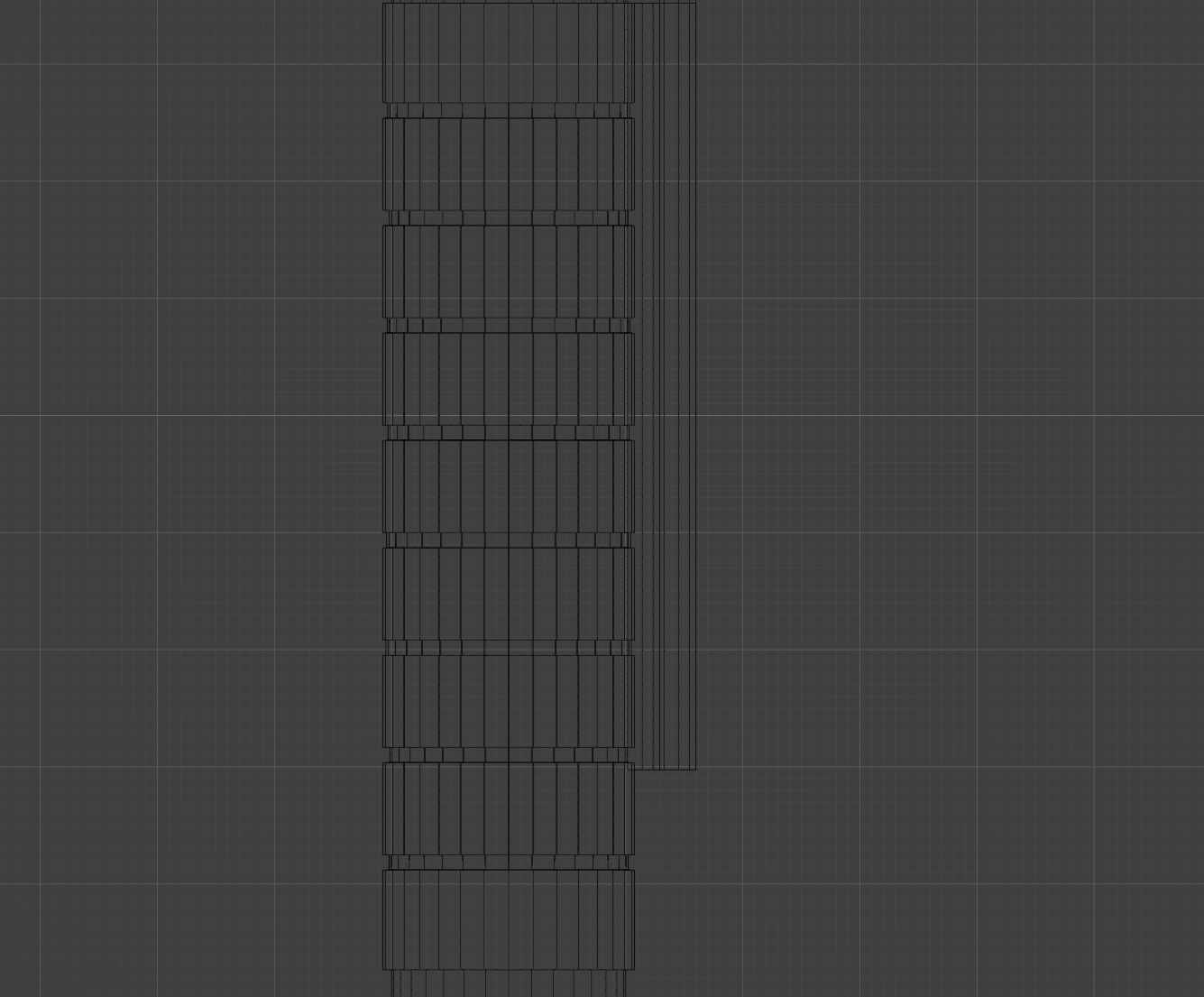
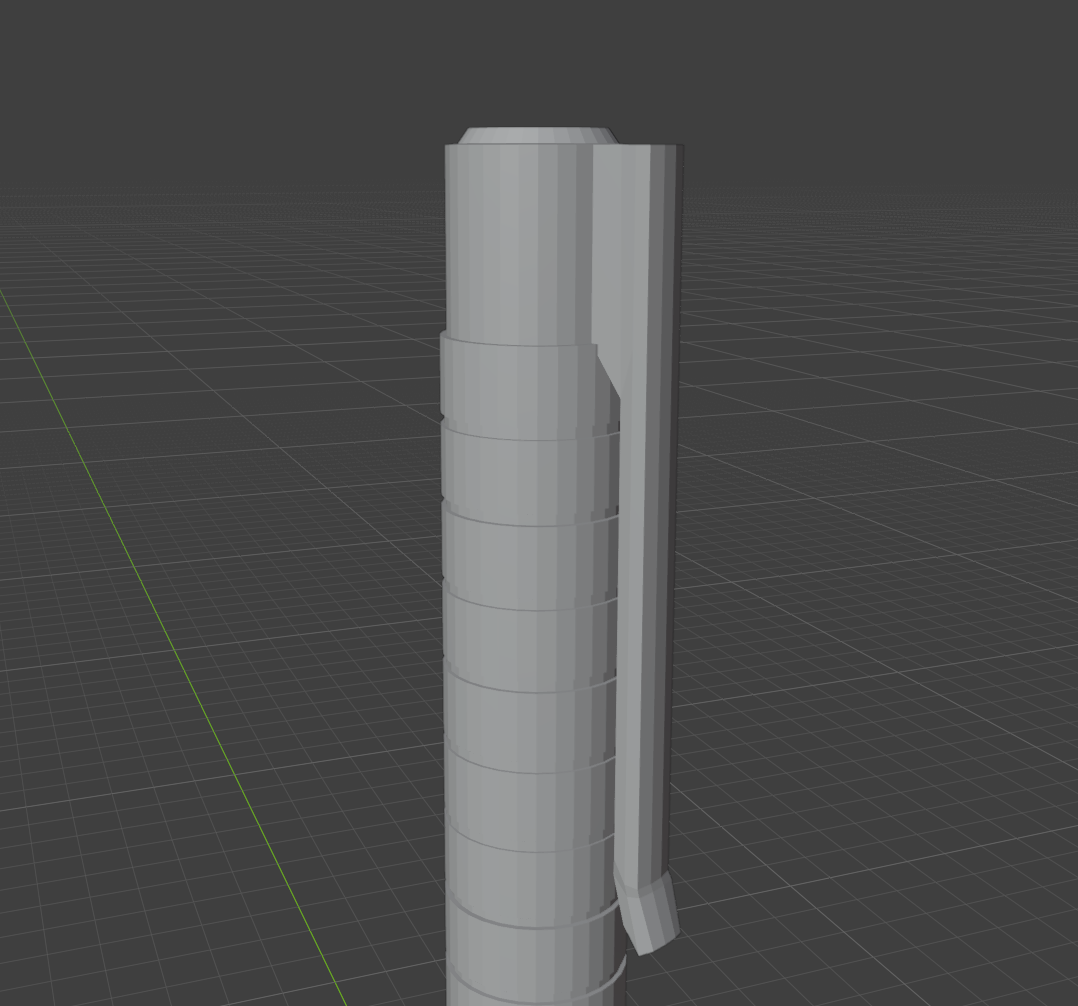
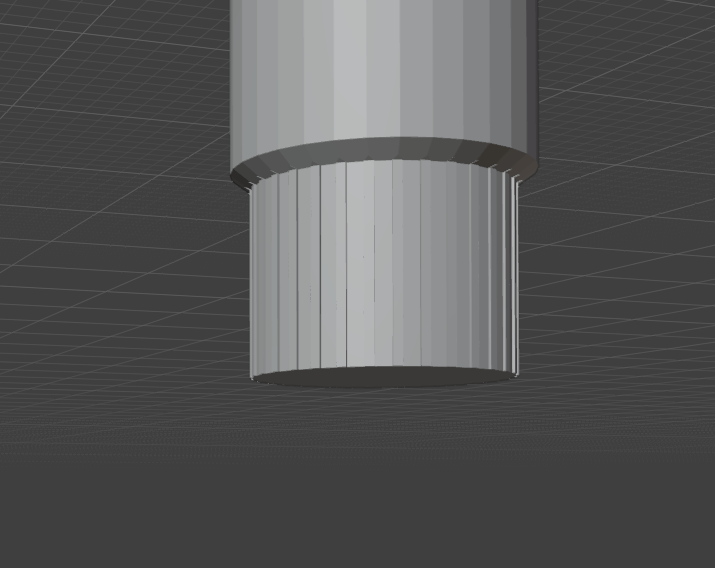
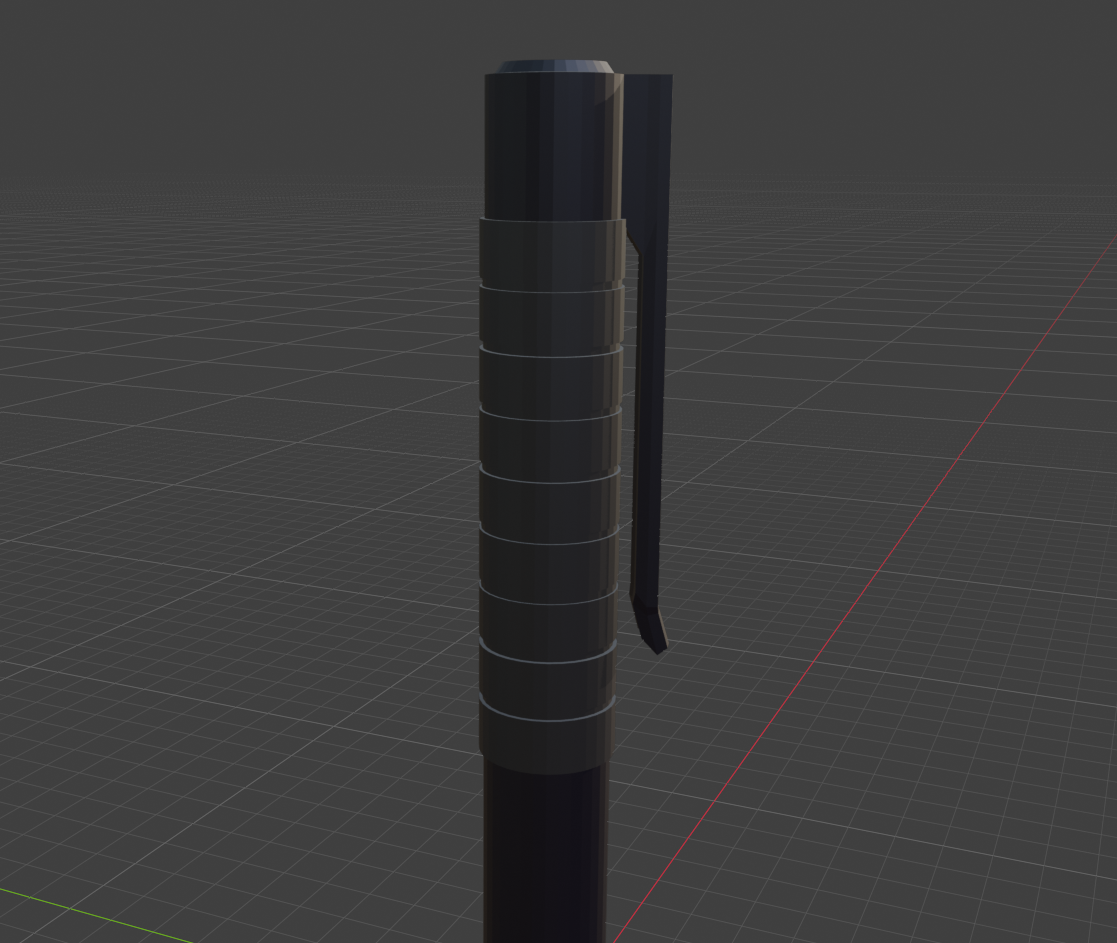
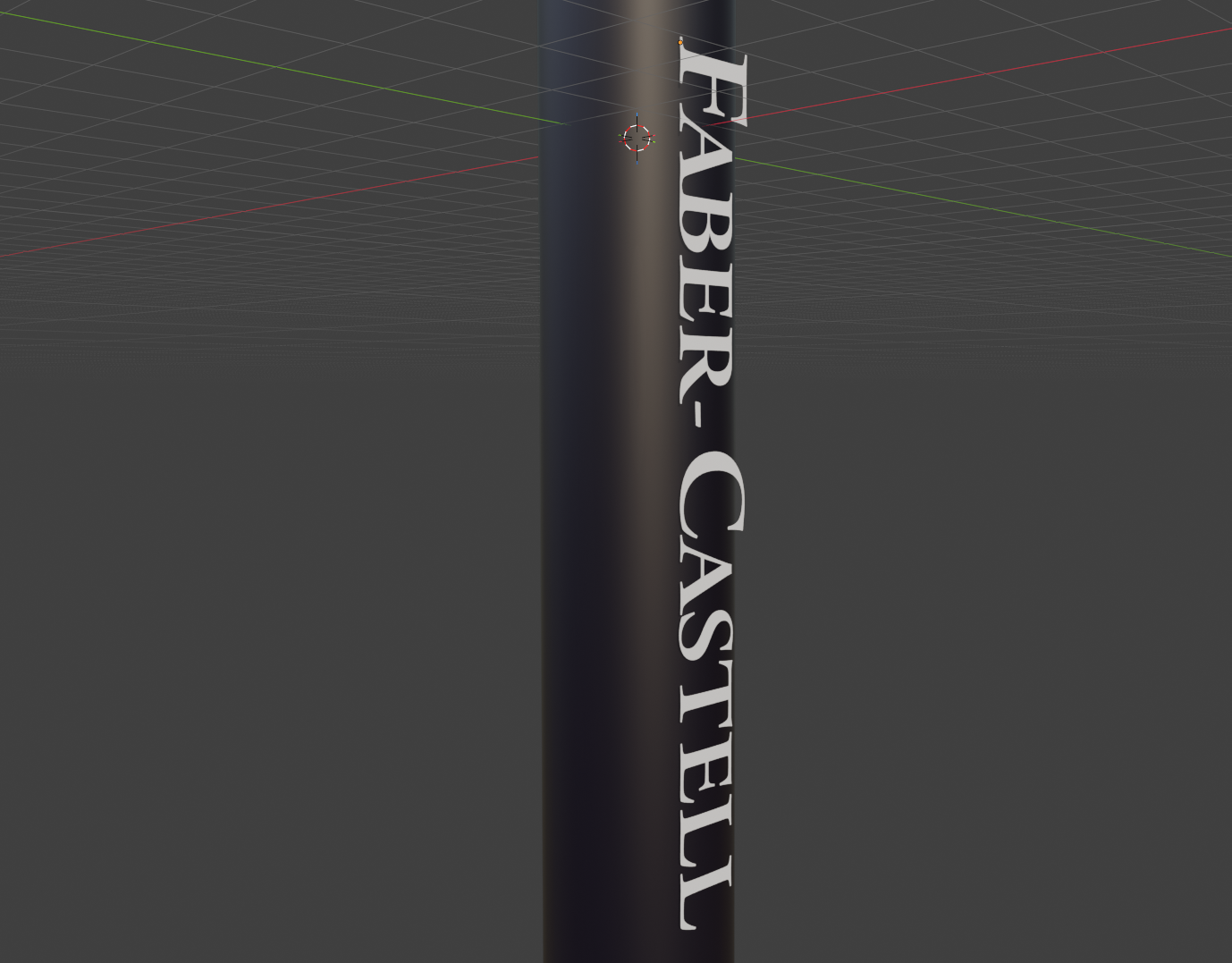
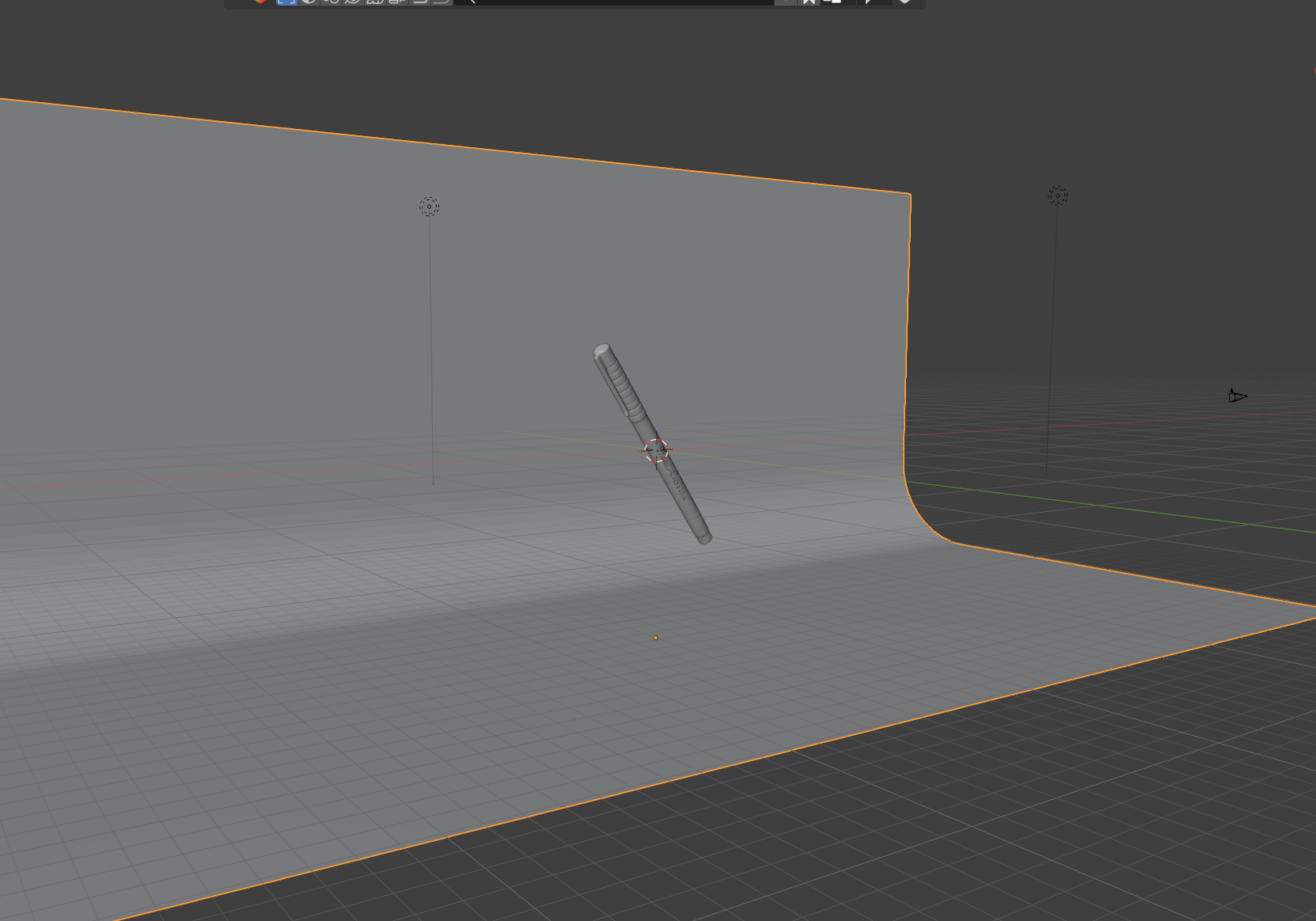
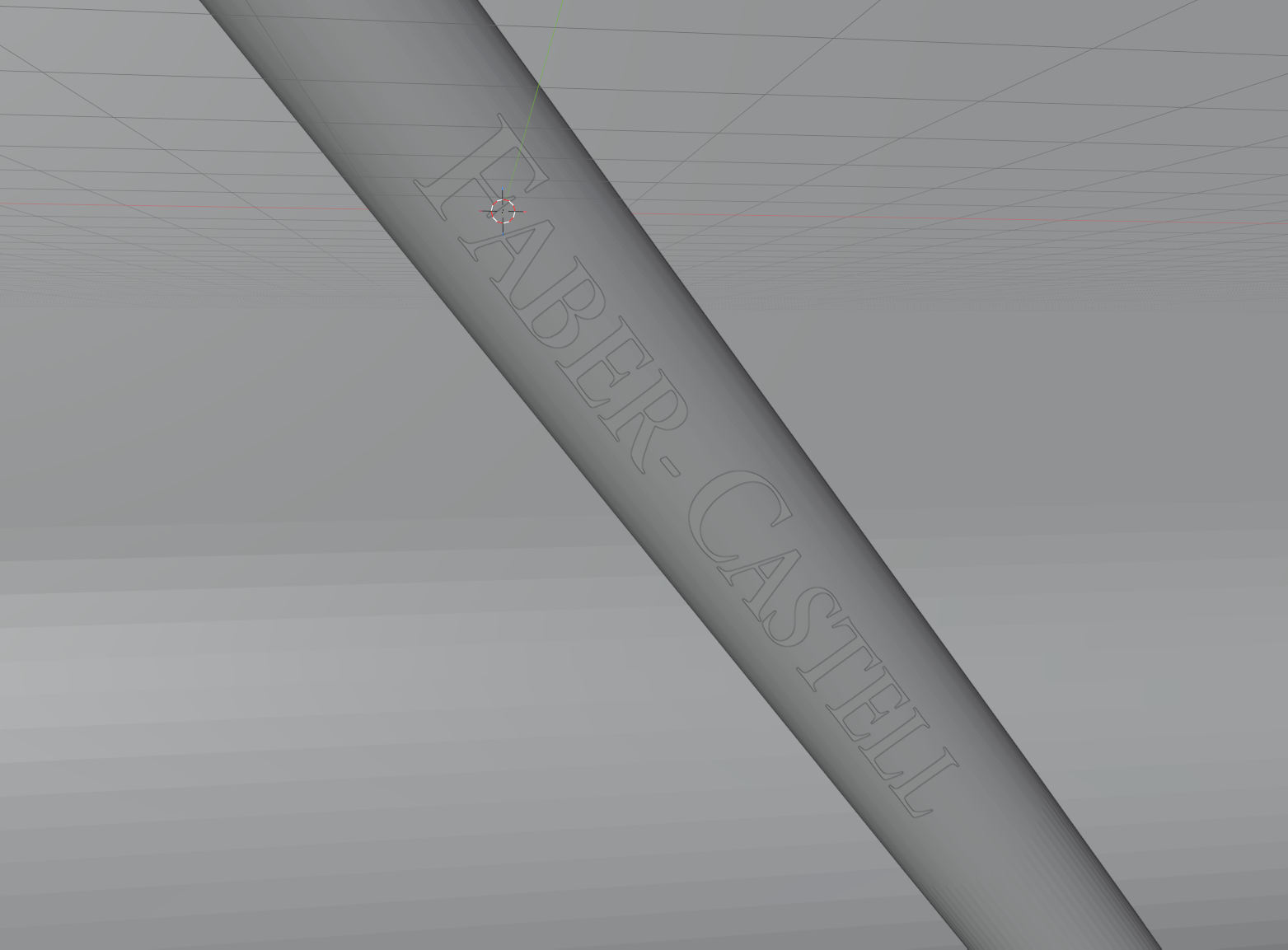
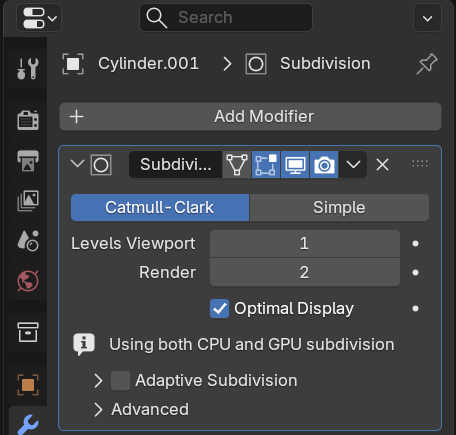
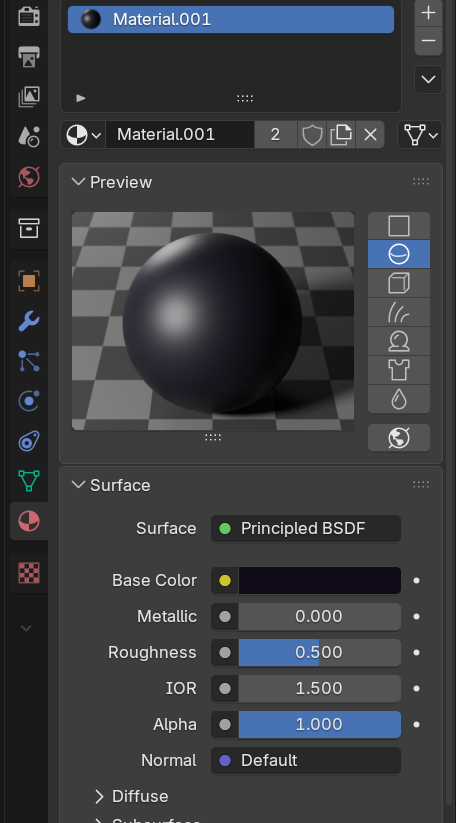
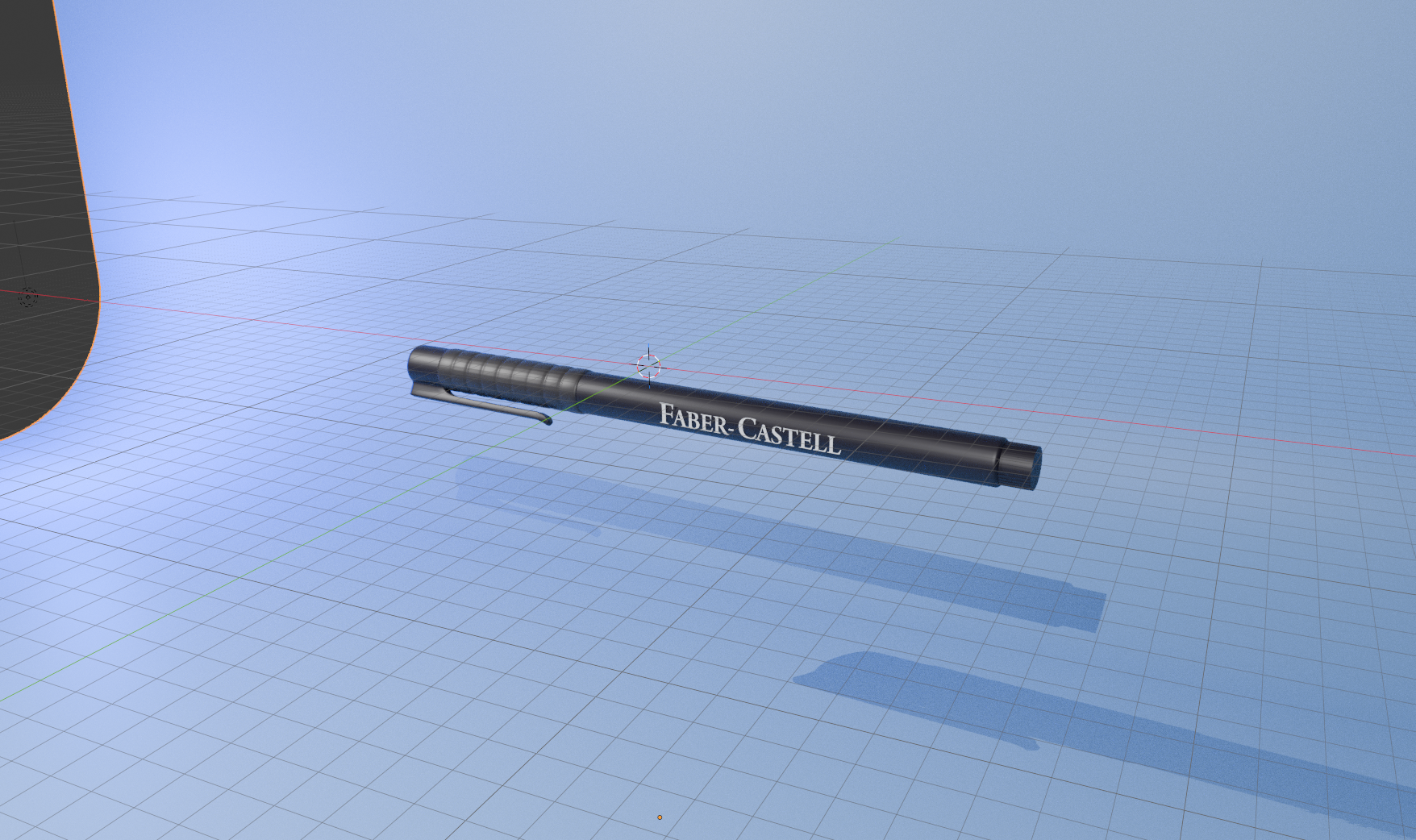
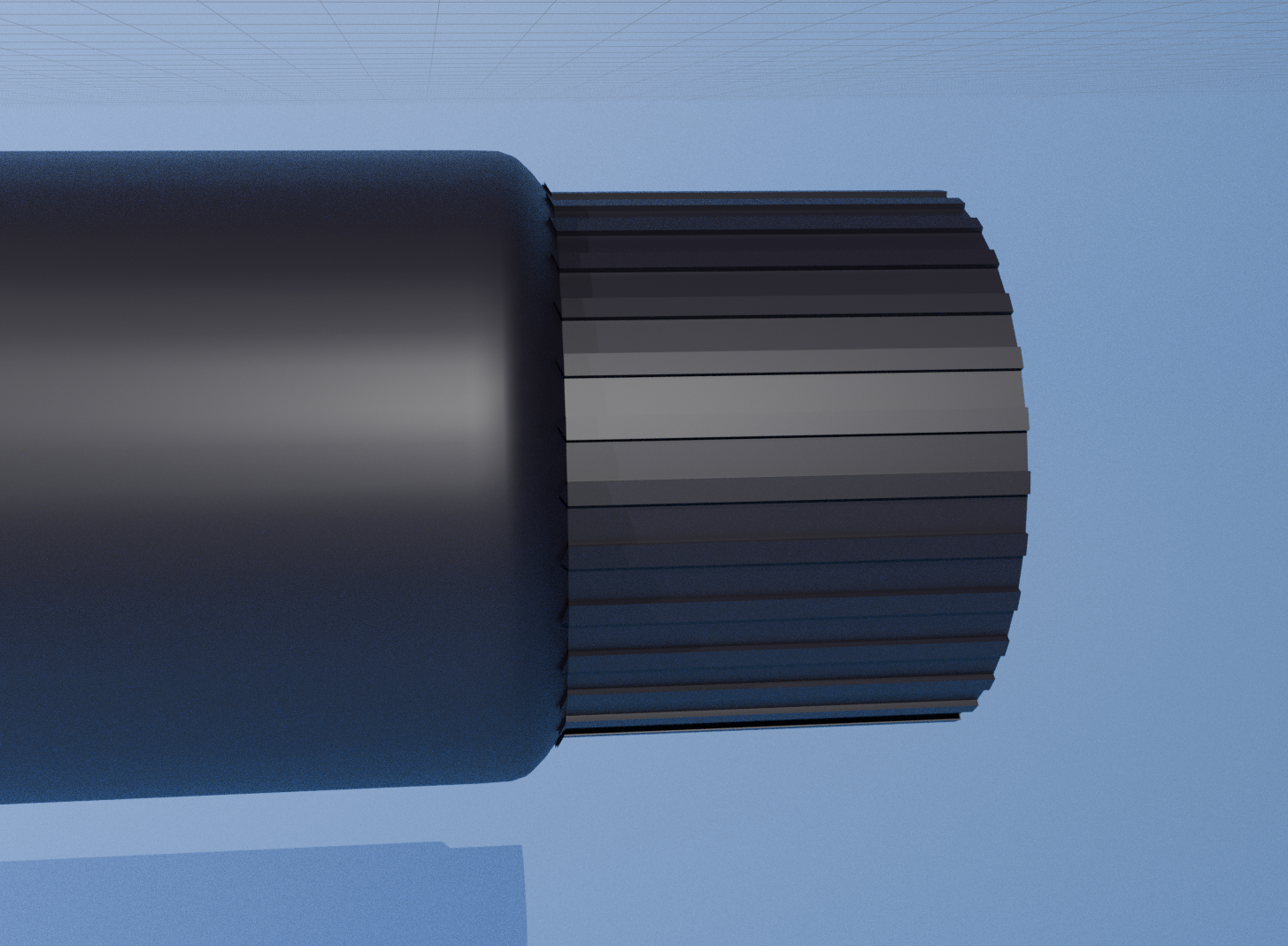
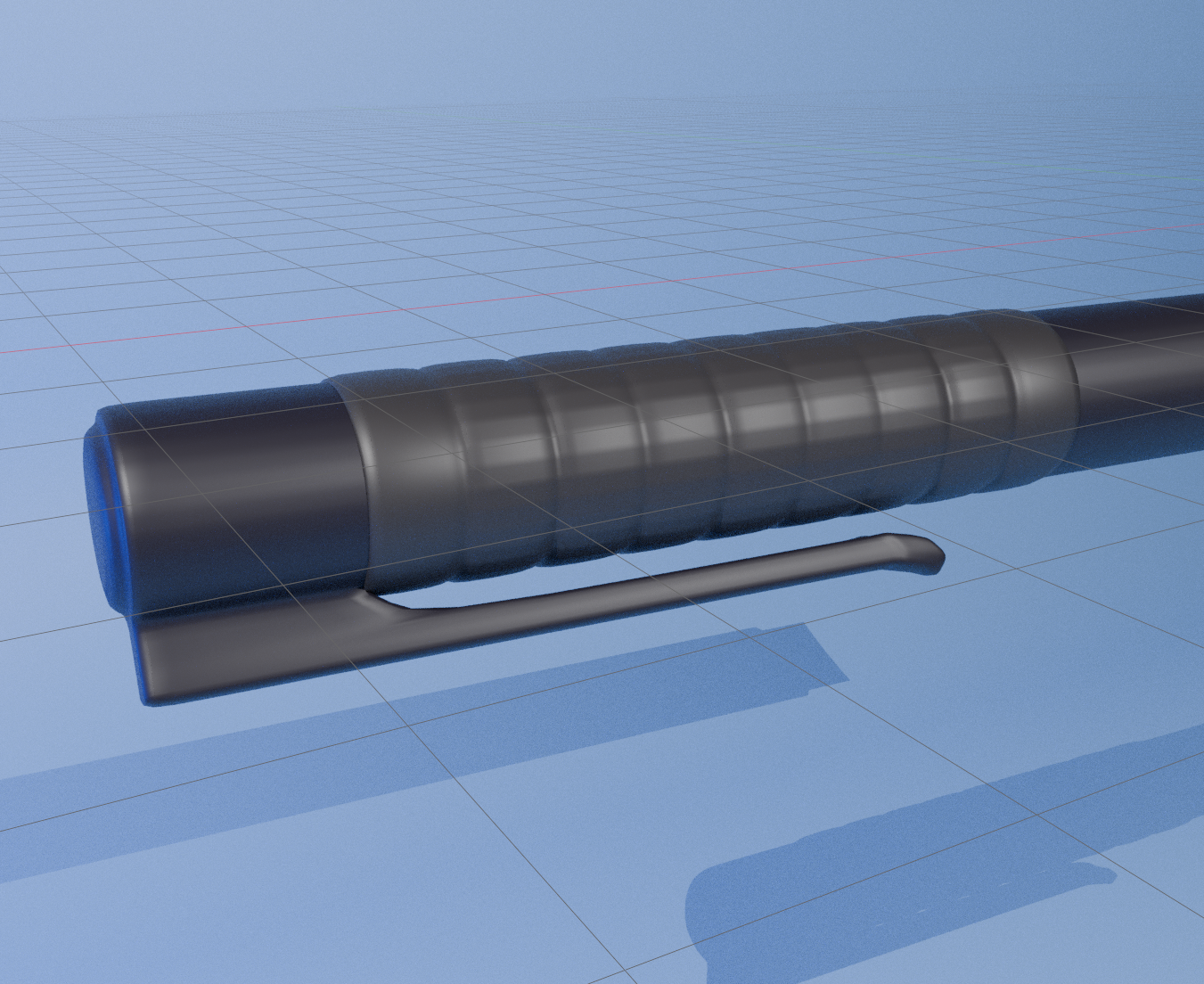
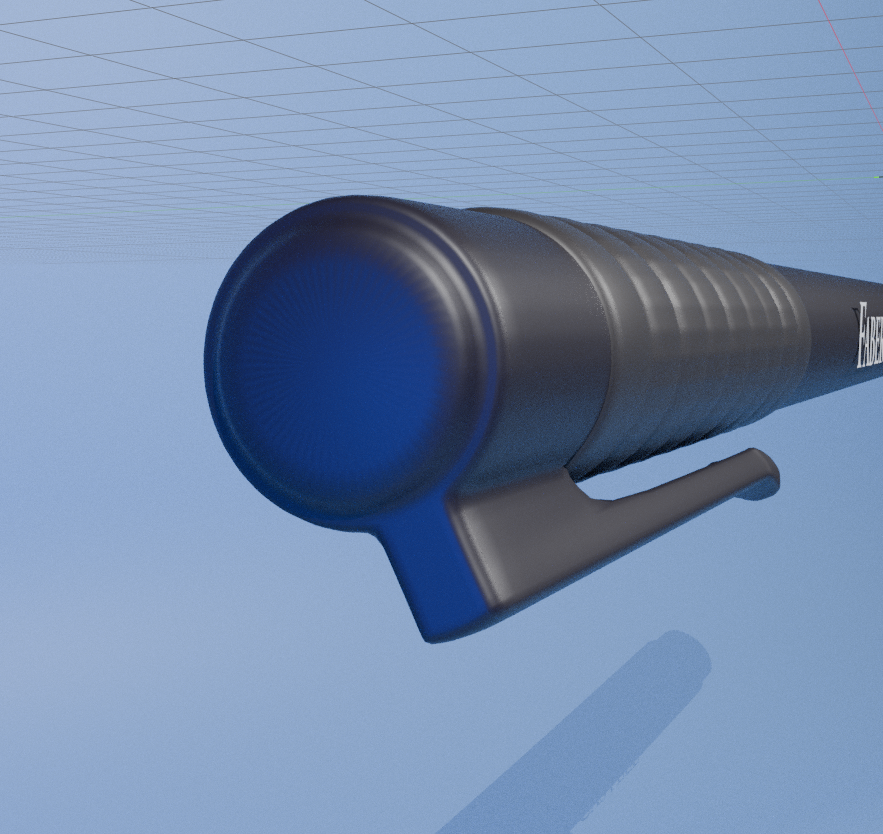
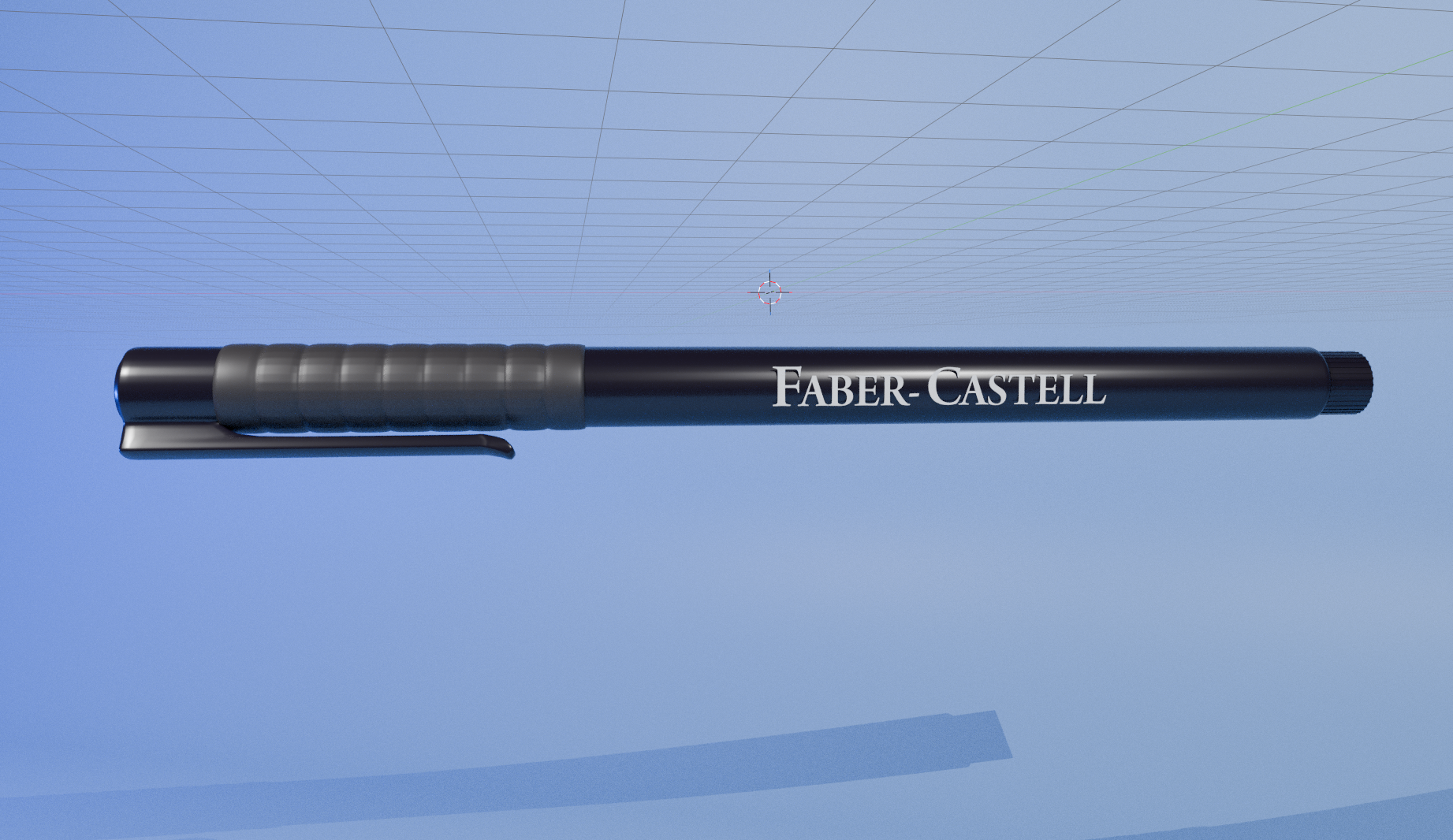
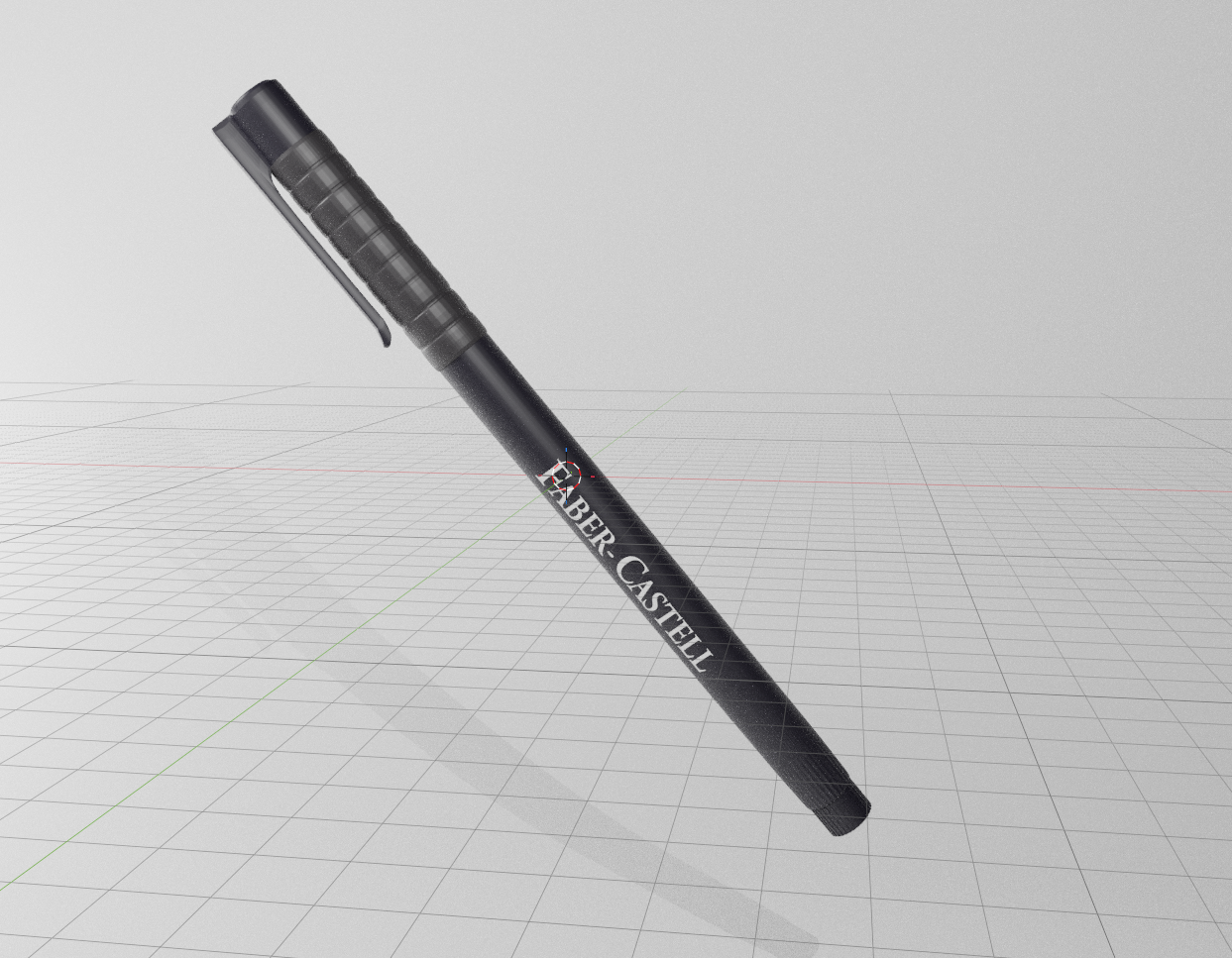
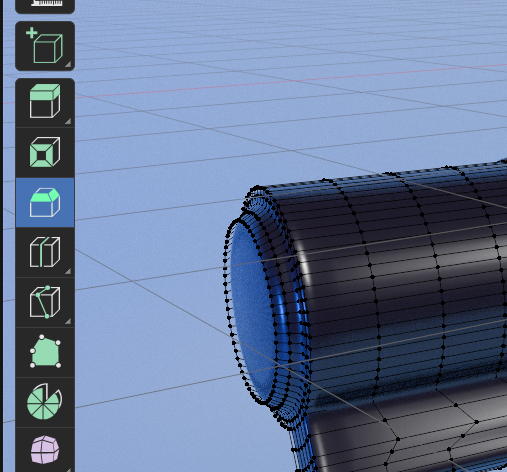
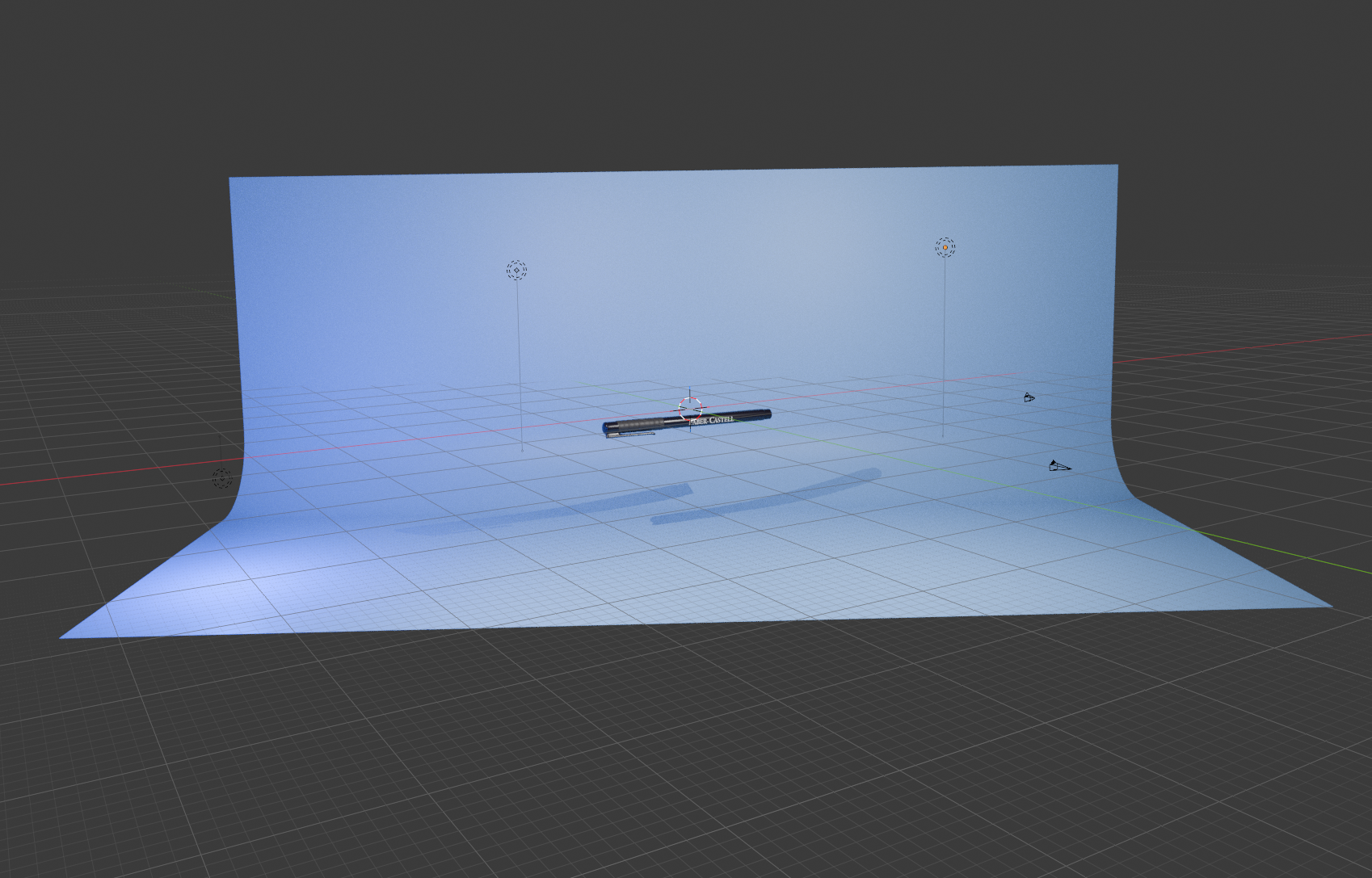
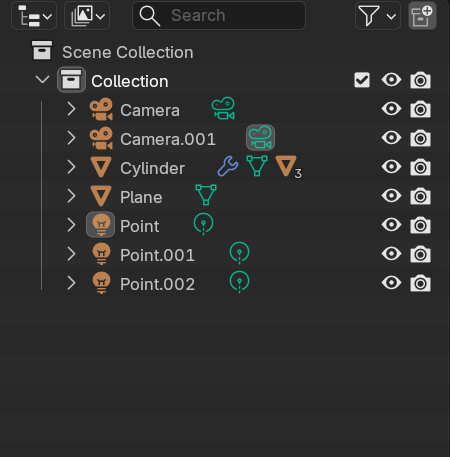
This is the object I am going to try to create Closer detail of the lid of the pen I began with a simple cylinder as the base I scaled the cylinder on the z-axis and added a few insets for the lid and the top and bottom of the pen A wireframe view of my progress up to this point I extruded 3 segments from the cylinder outwards on the lid portion, and created a vertical cut. I then extruded the part down, to create the clip of the pen I created a series of cuts along the lid, and used the bevel tool to make them have some thickness. I then extruded them all along the x and y axis to create the grooves in the lid Wireframe view of the grooves in the lid I added some bends and smaller details to the clip of the pen I used a similar technique as i did for the lid, with the bevels, and I created a series of vertical extrusions along the base of the pen I applied a simple black texture to the pen I created some text, and aligned it to the pen, and made it white. I created a simple 2 planed background to use as a simple background for my renders Close-up of the text on the pen I applied a subdivison surface modifier to various parts of the pen, to take away the geometric look. Details of the texture I applied to the pen I made the background blue, and began to set up my lighting for the final renders Close up of the back of the pen Close up of the lid of the pen Close up of the top of the pen Final render of the pen, with a blue background and a simple light setup Alternate render of the pen, with a different colour wallpaper Effect of the subdivision surface modifier on the pen, making it look more smooth and less geometric My final setup, including position of the lights and camera on the scene A list of all of the objects in my scene.

Design Challenge 2
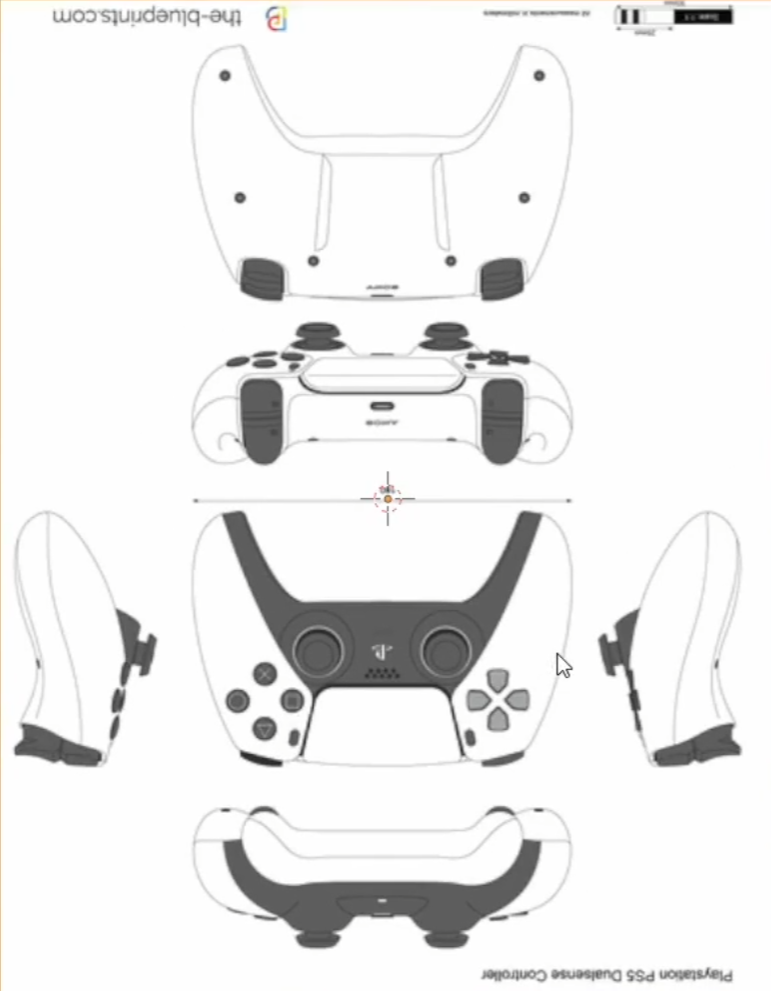
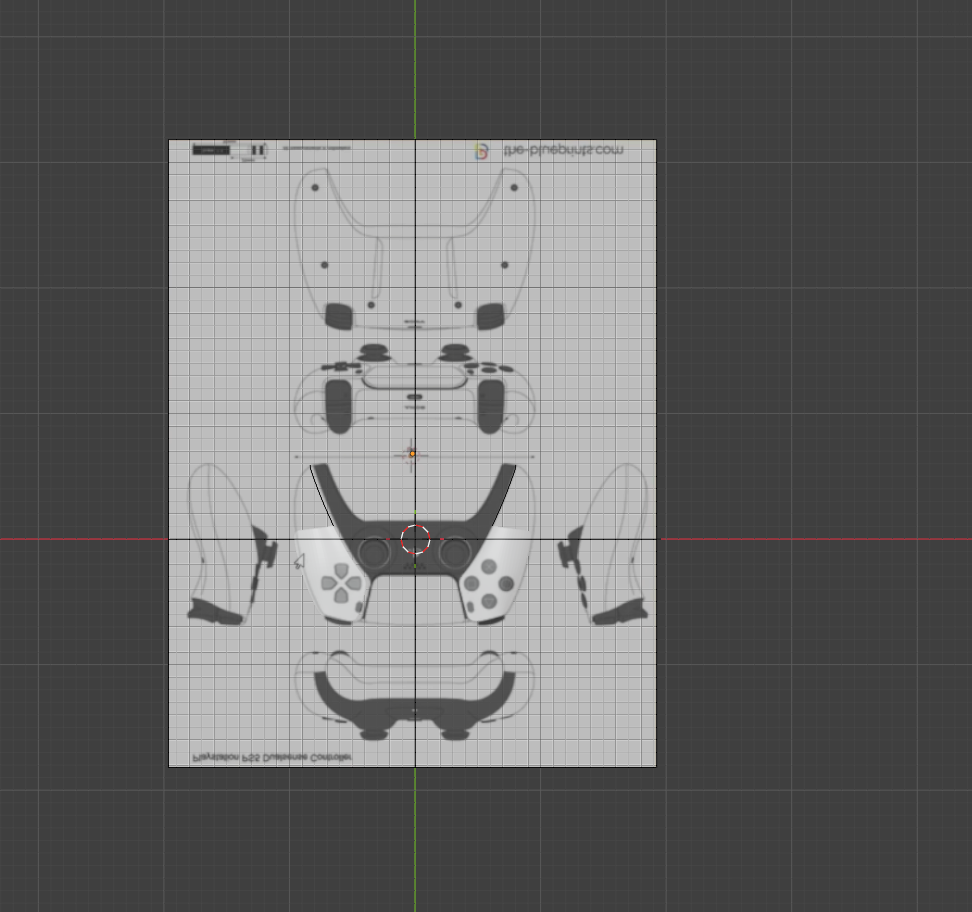
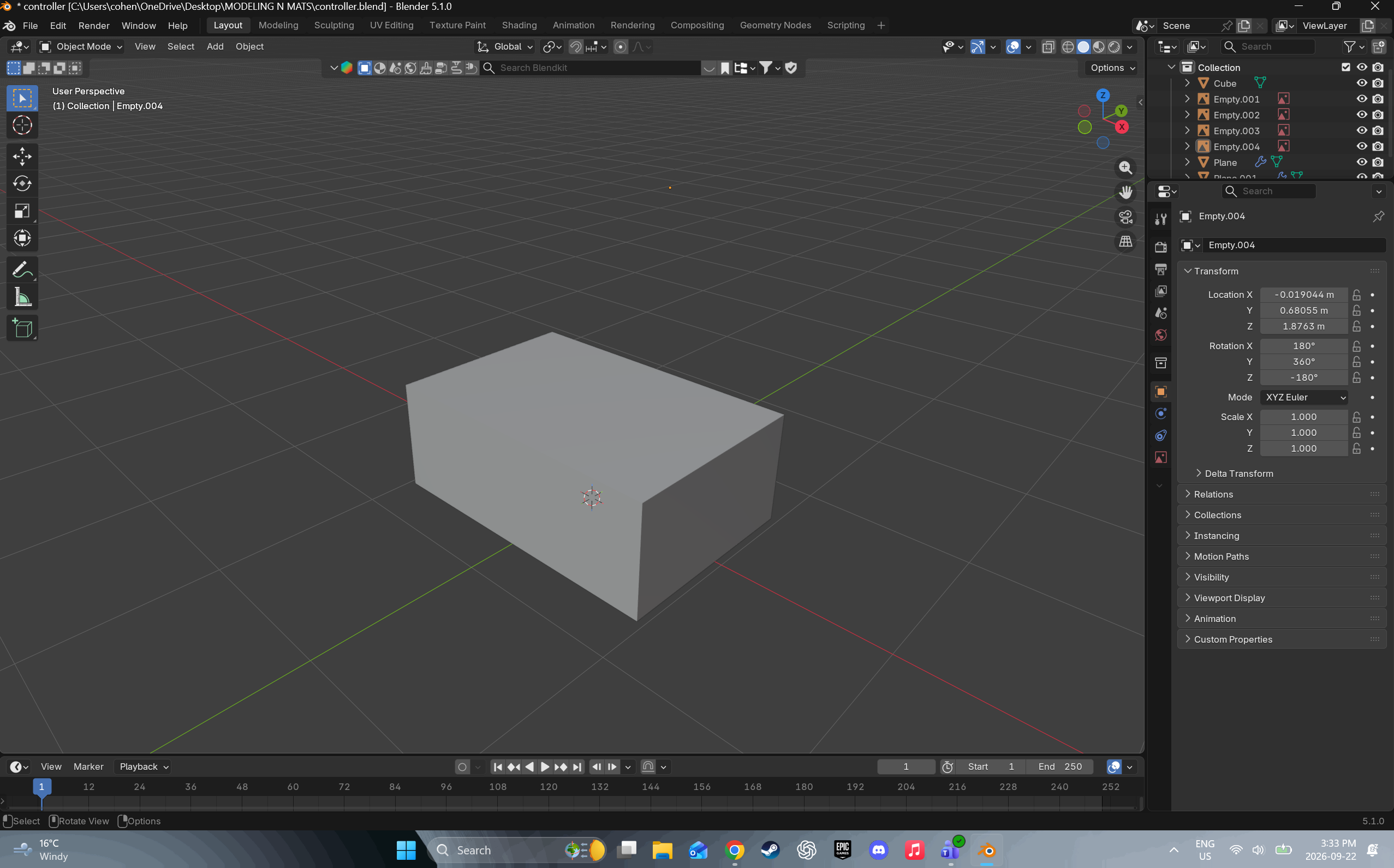
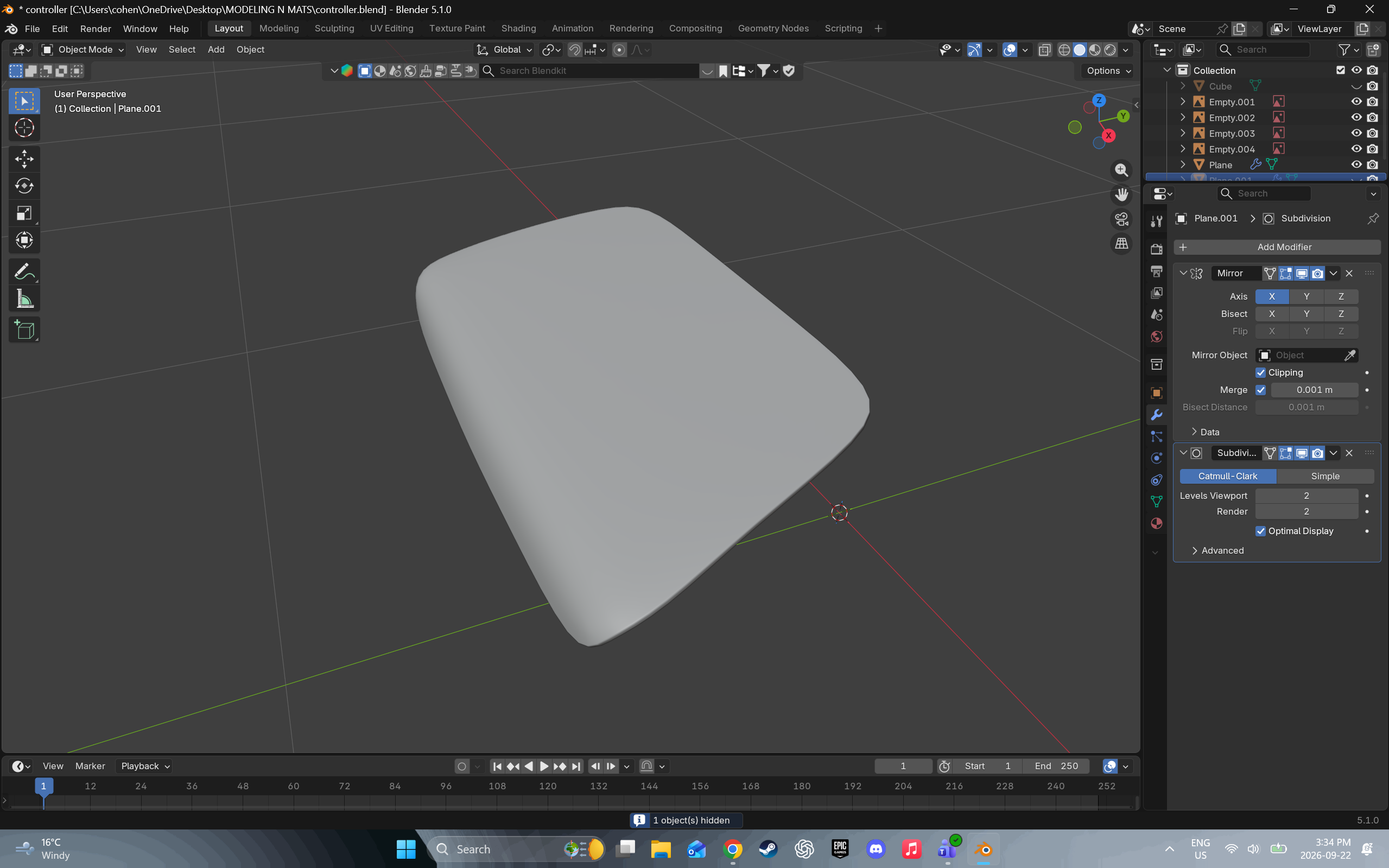
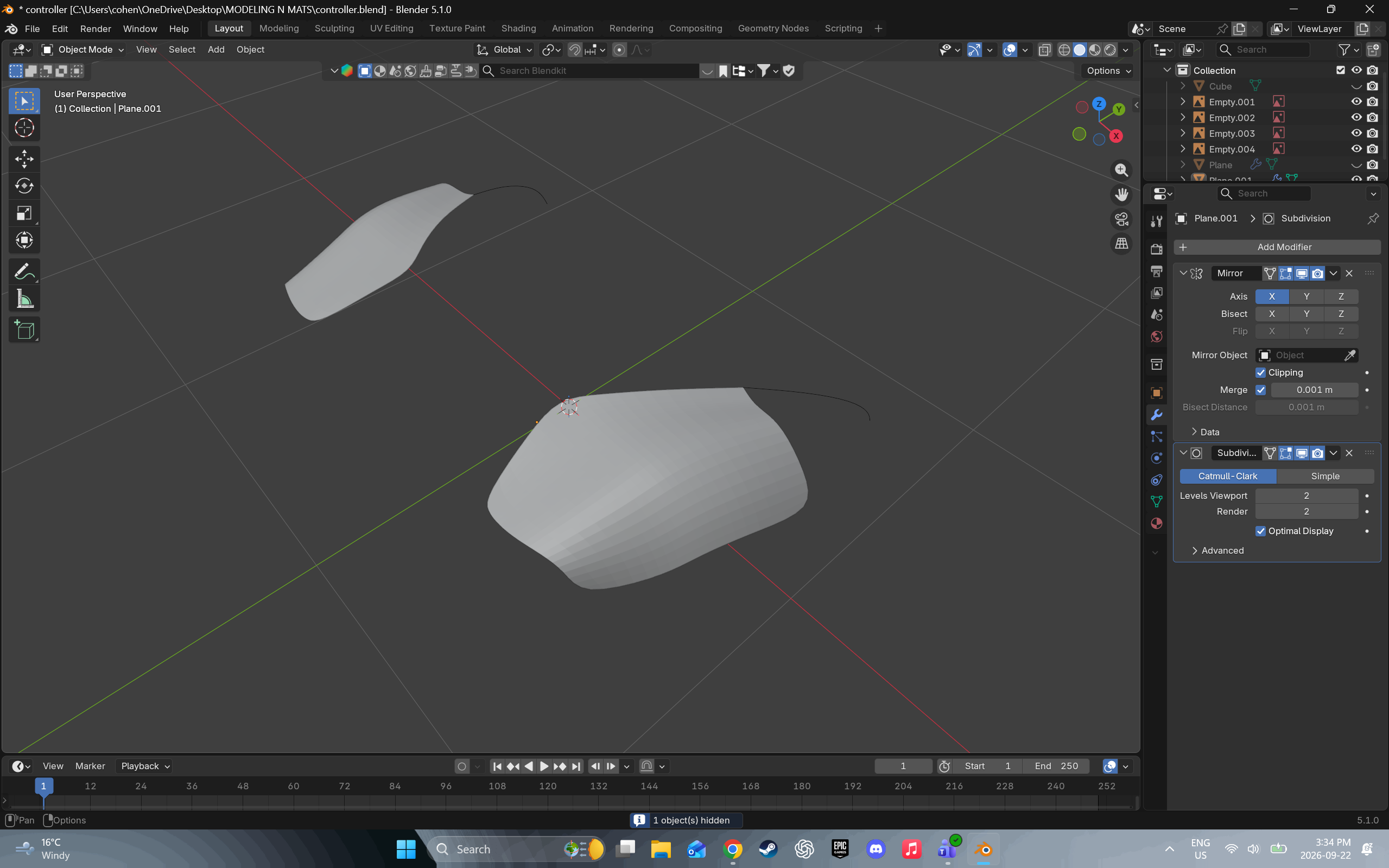
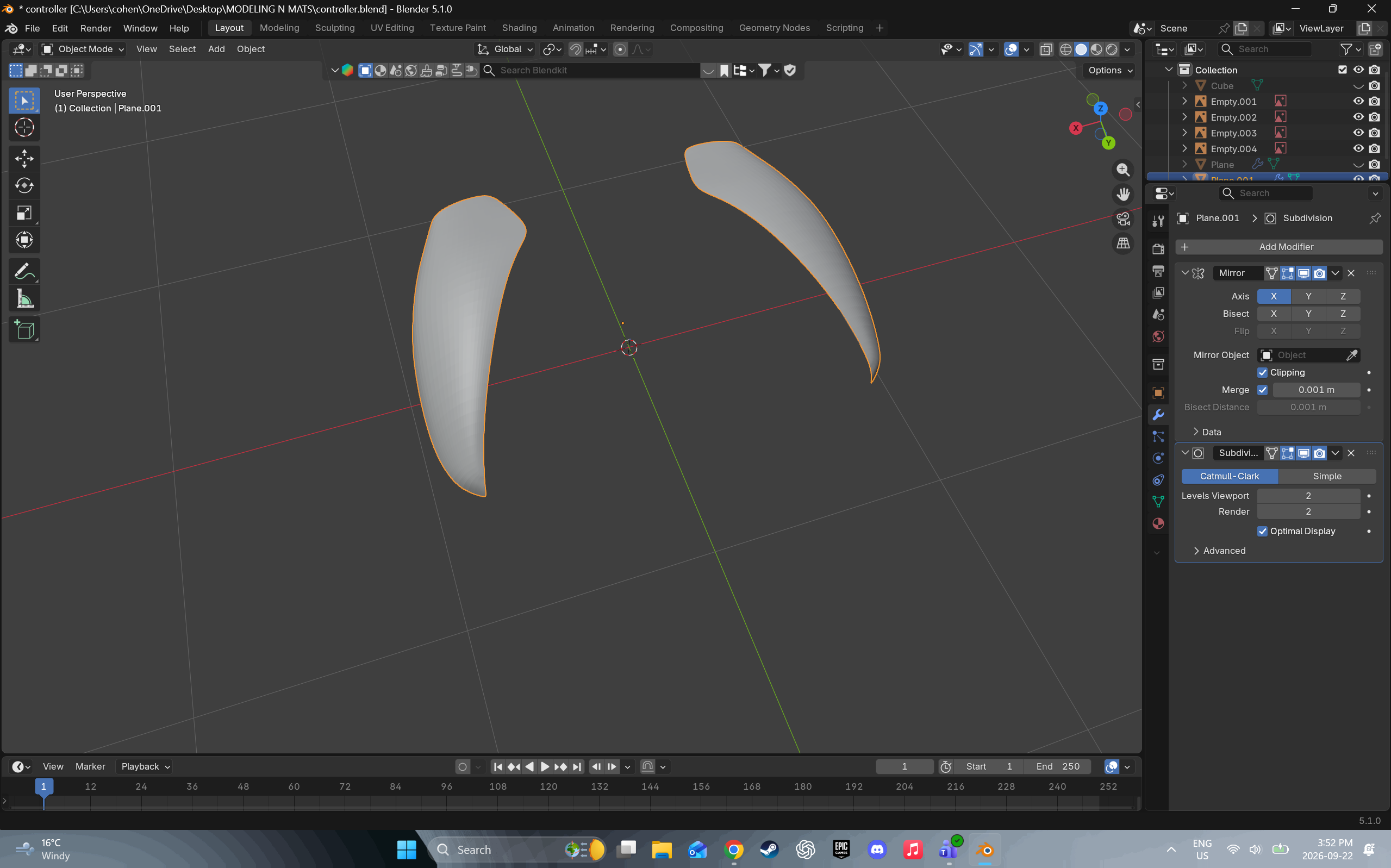
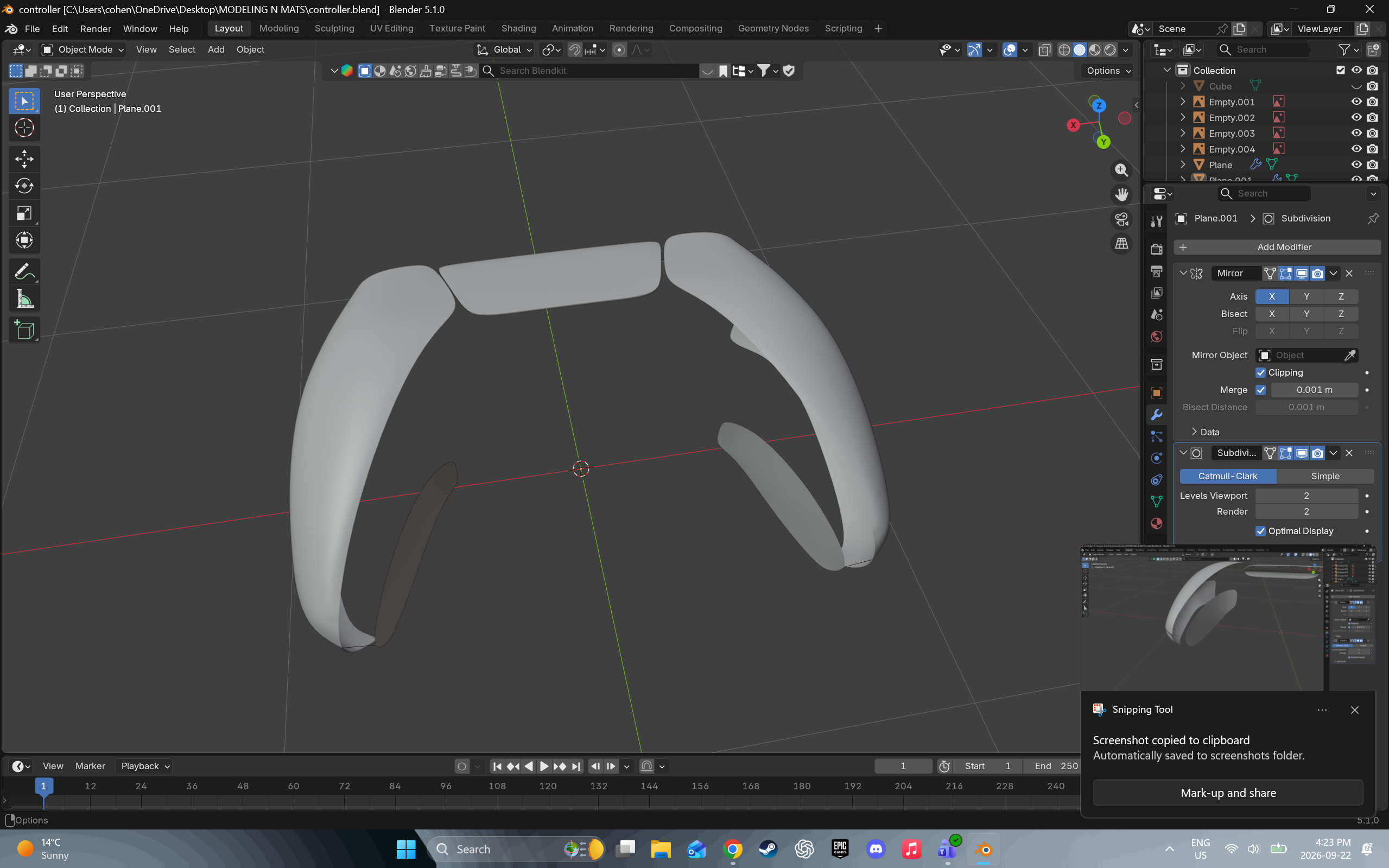
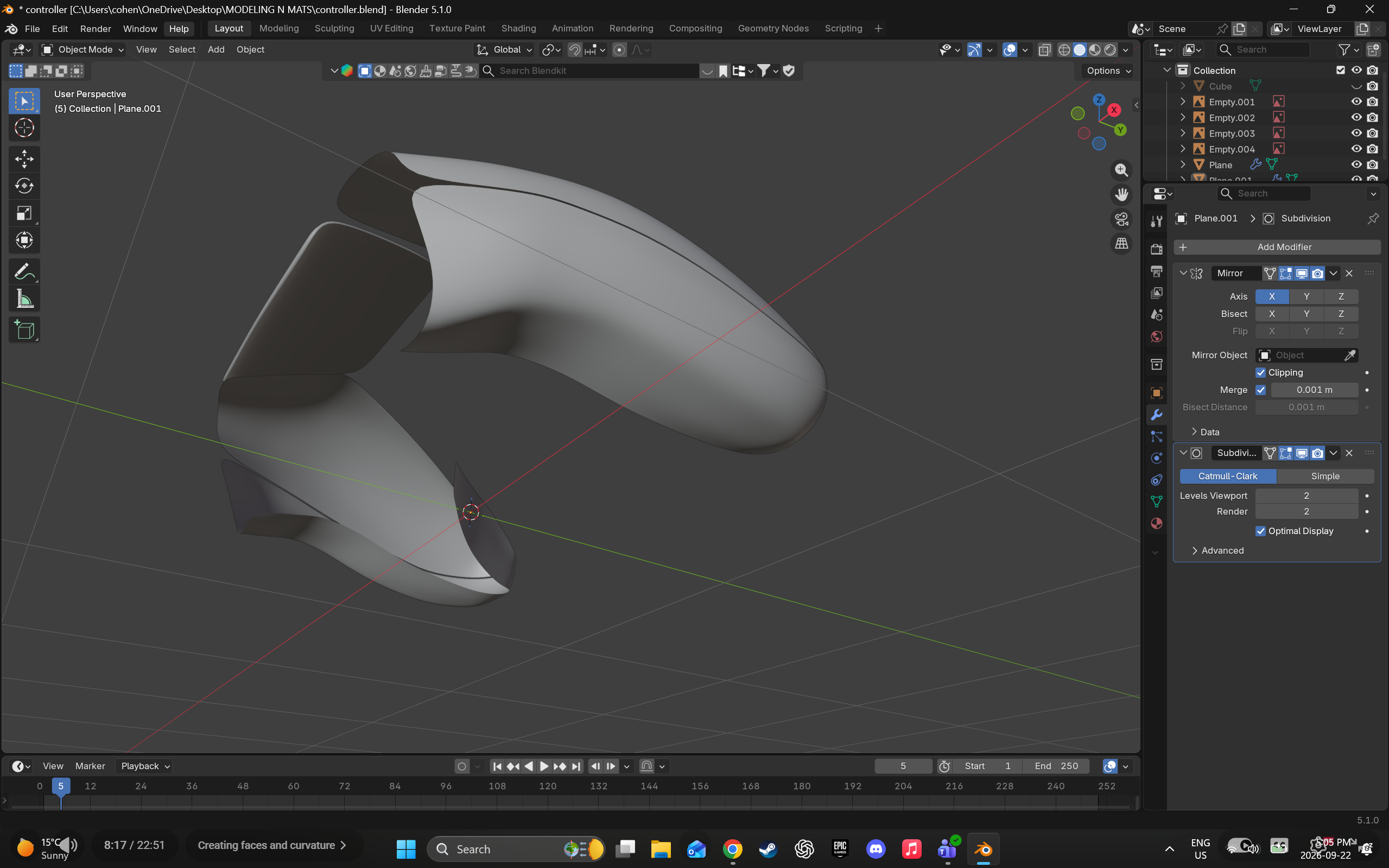
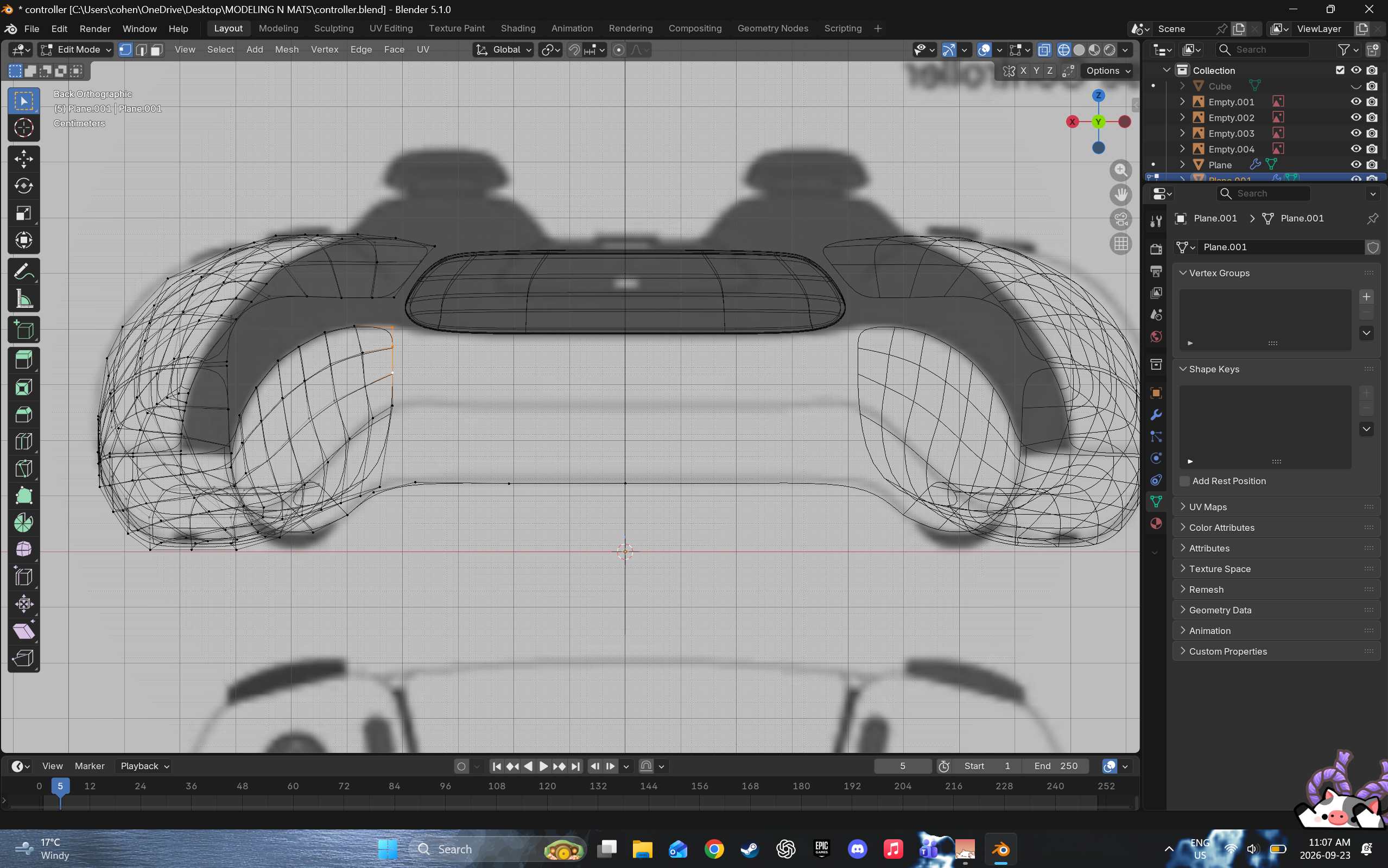
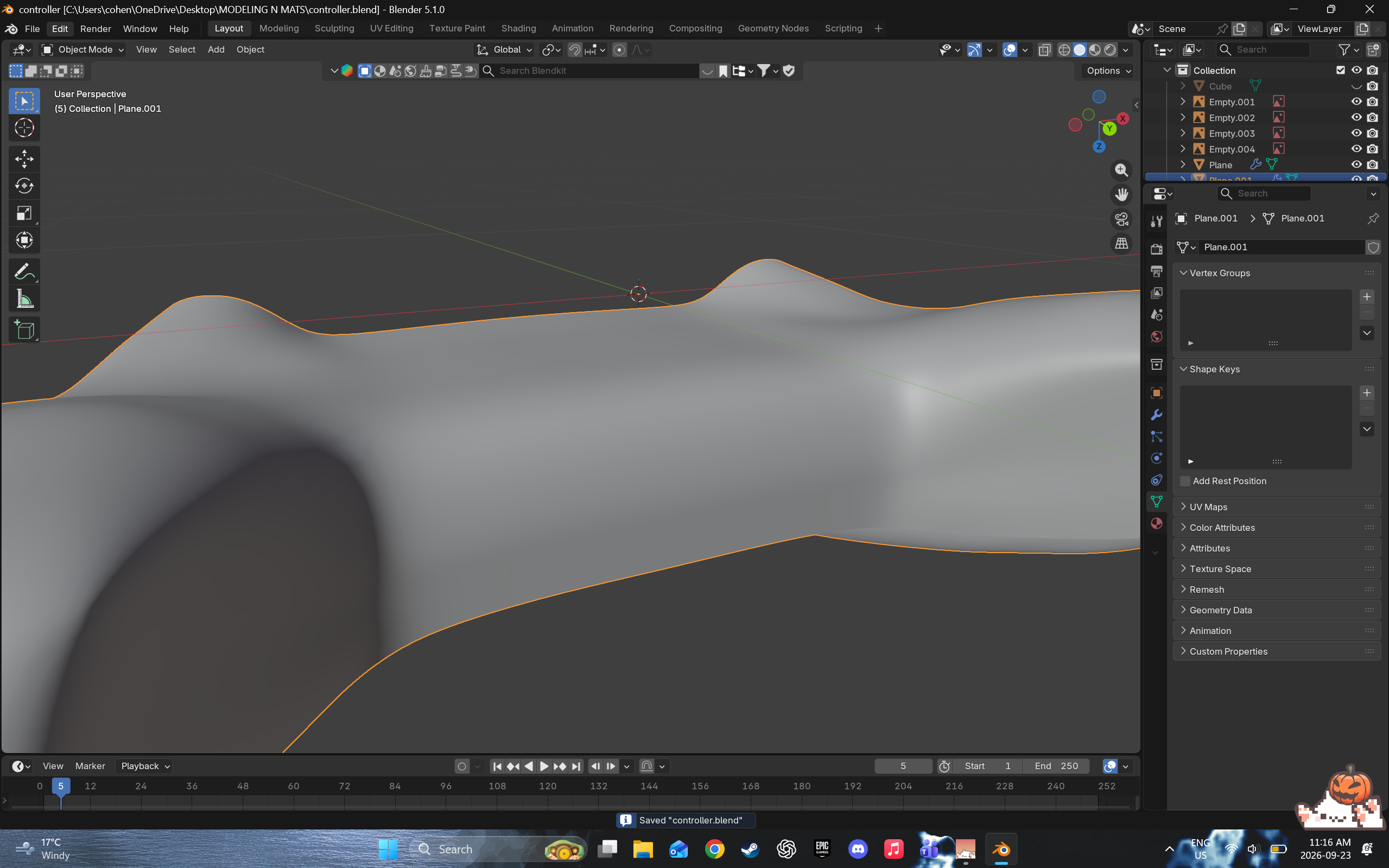
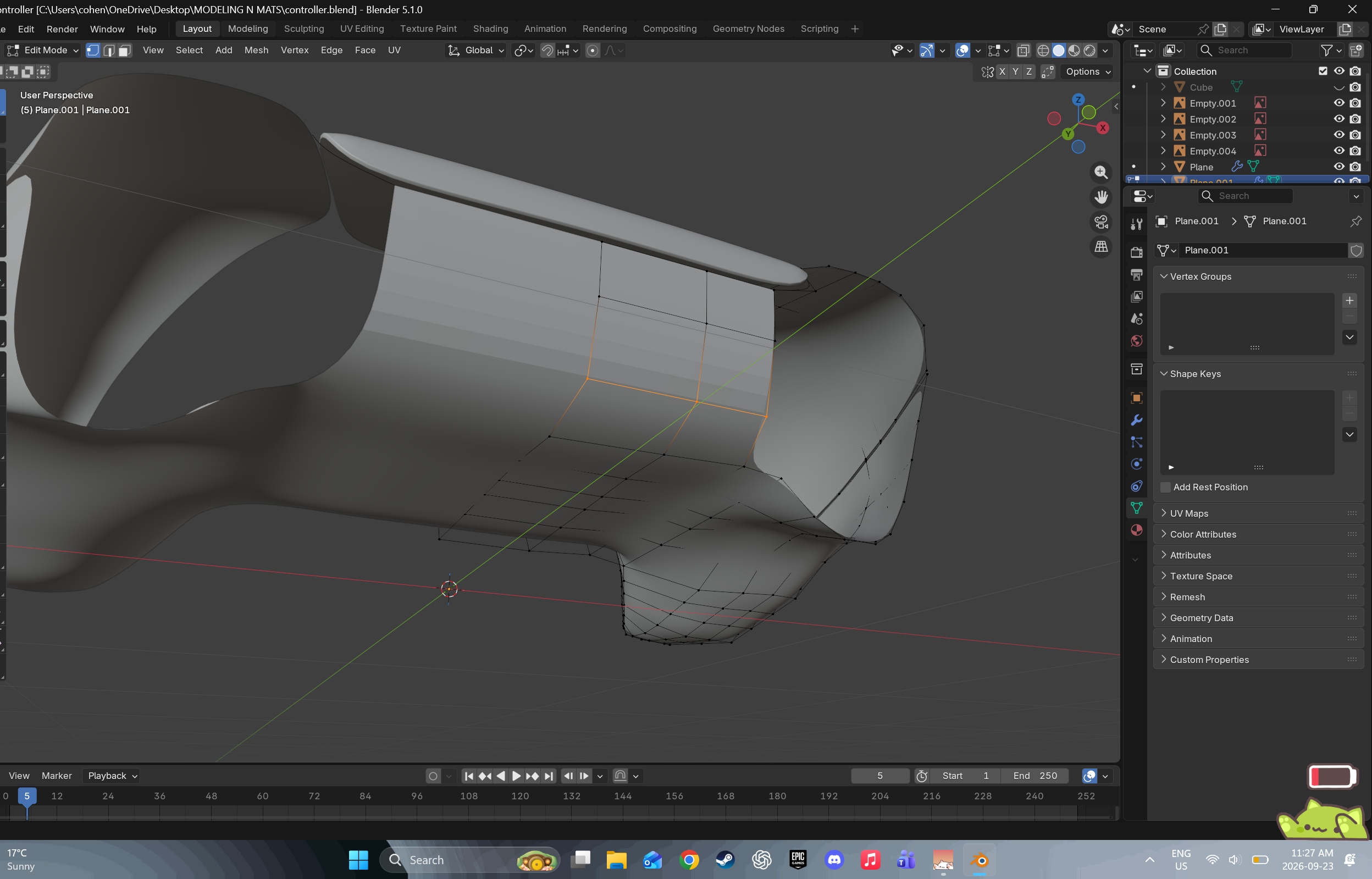
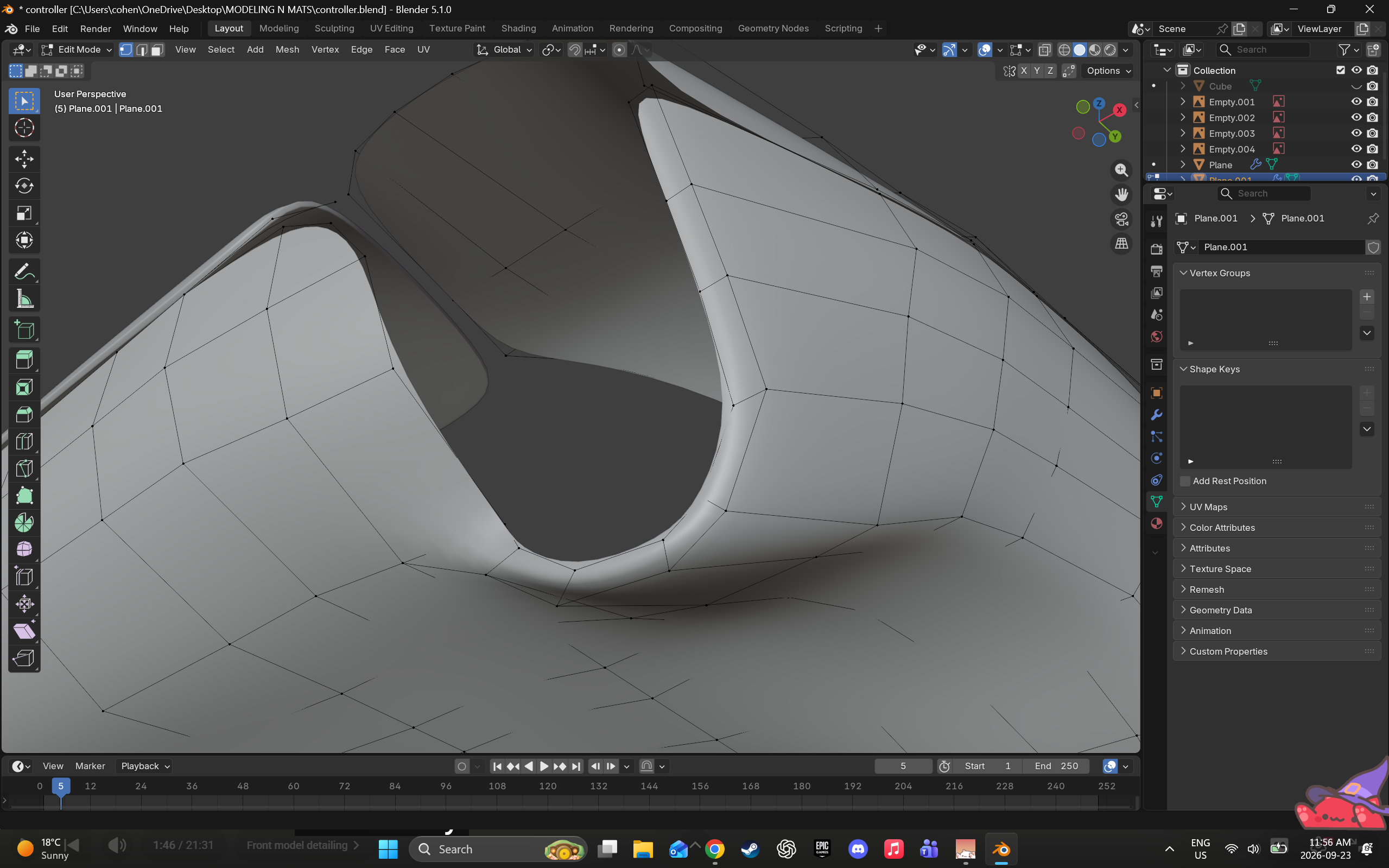
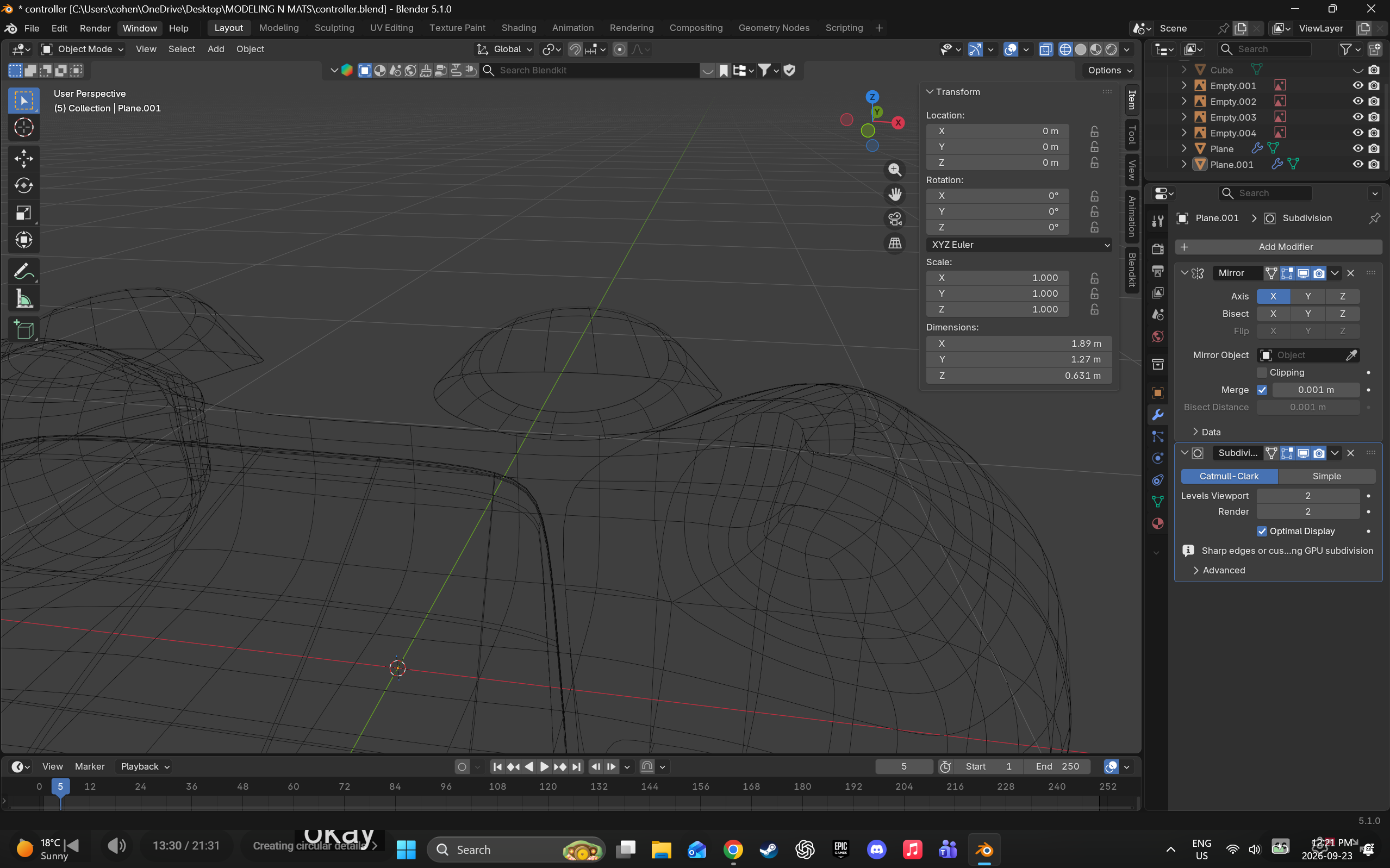
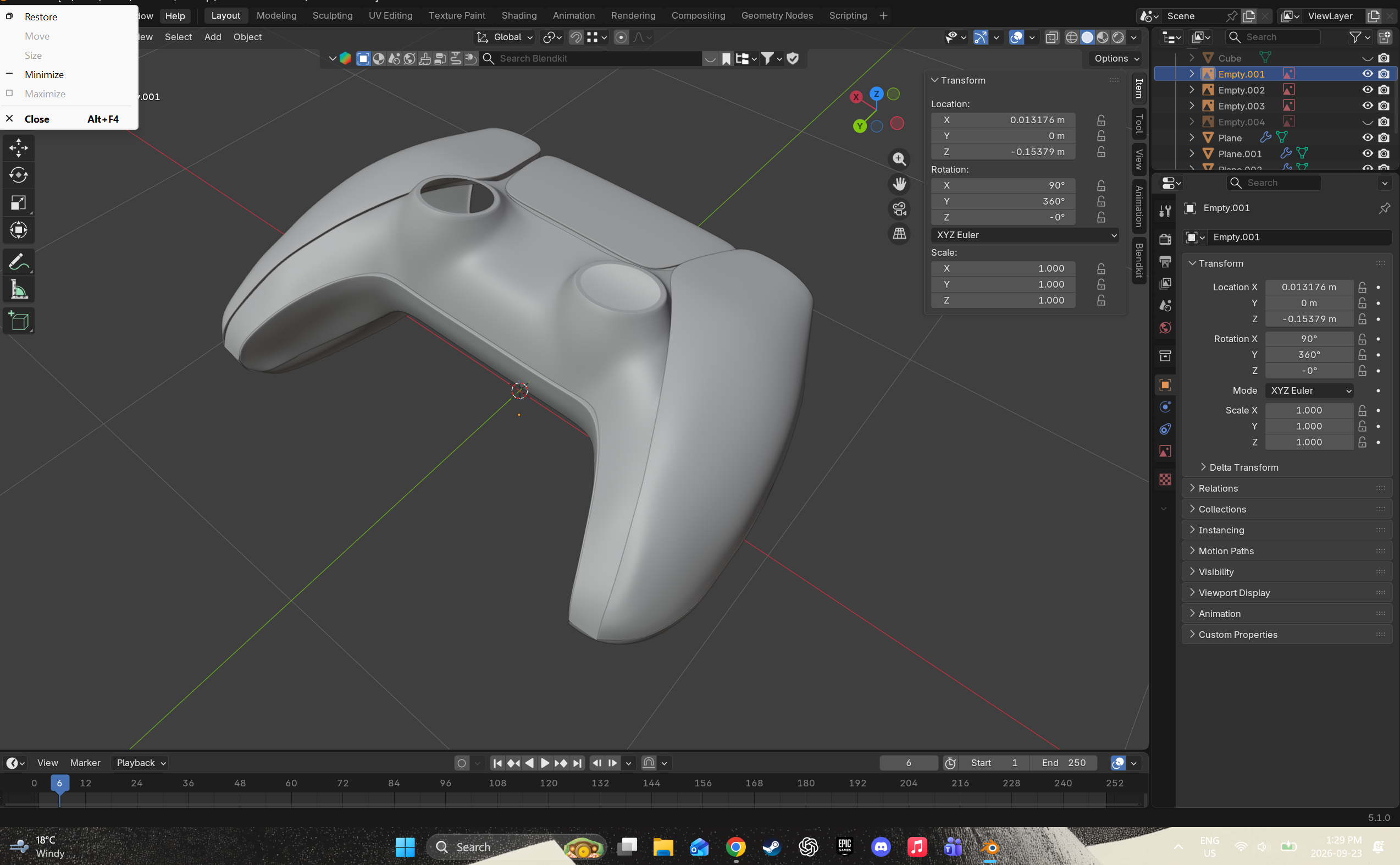
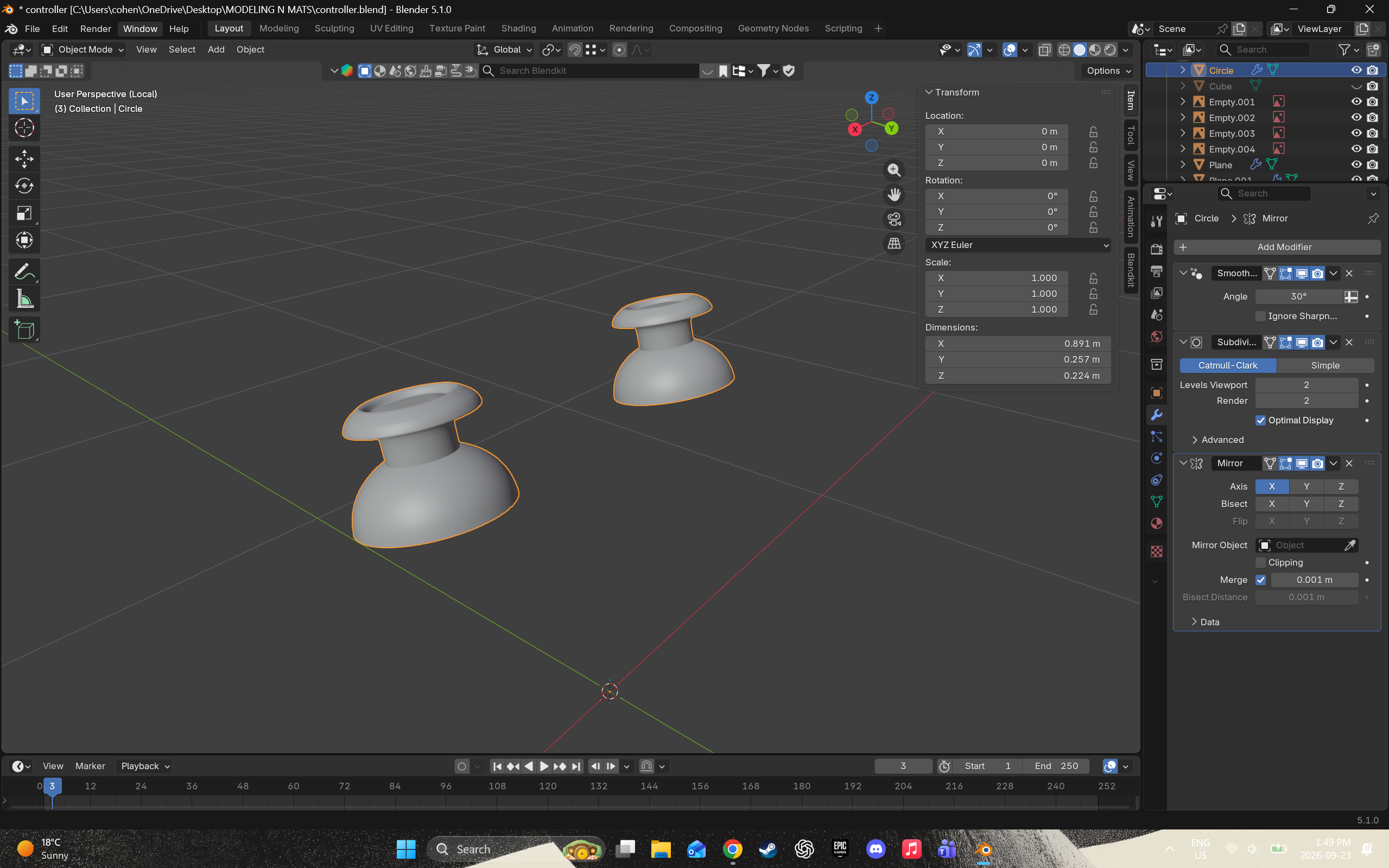
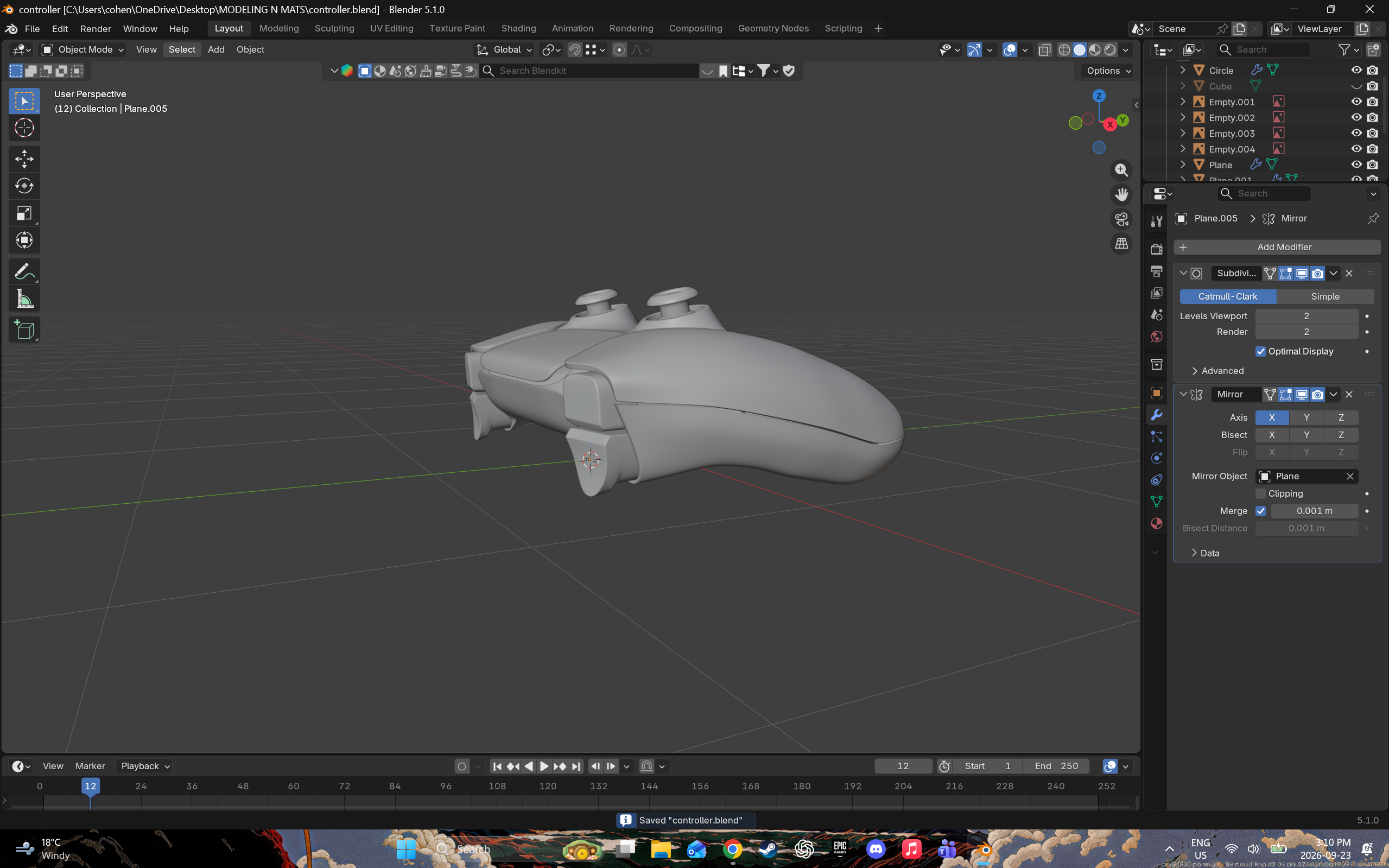
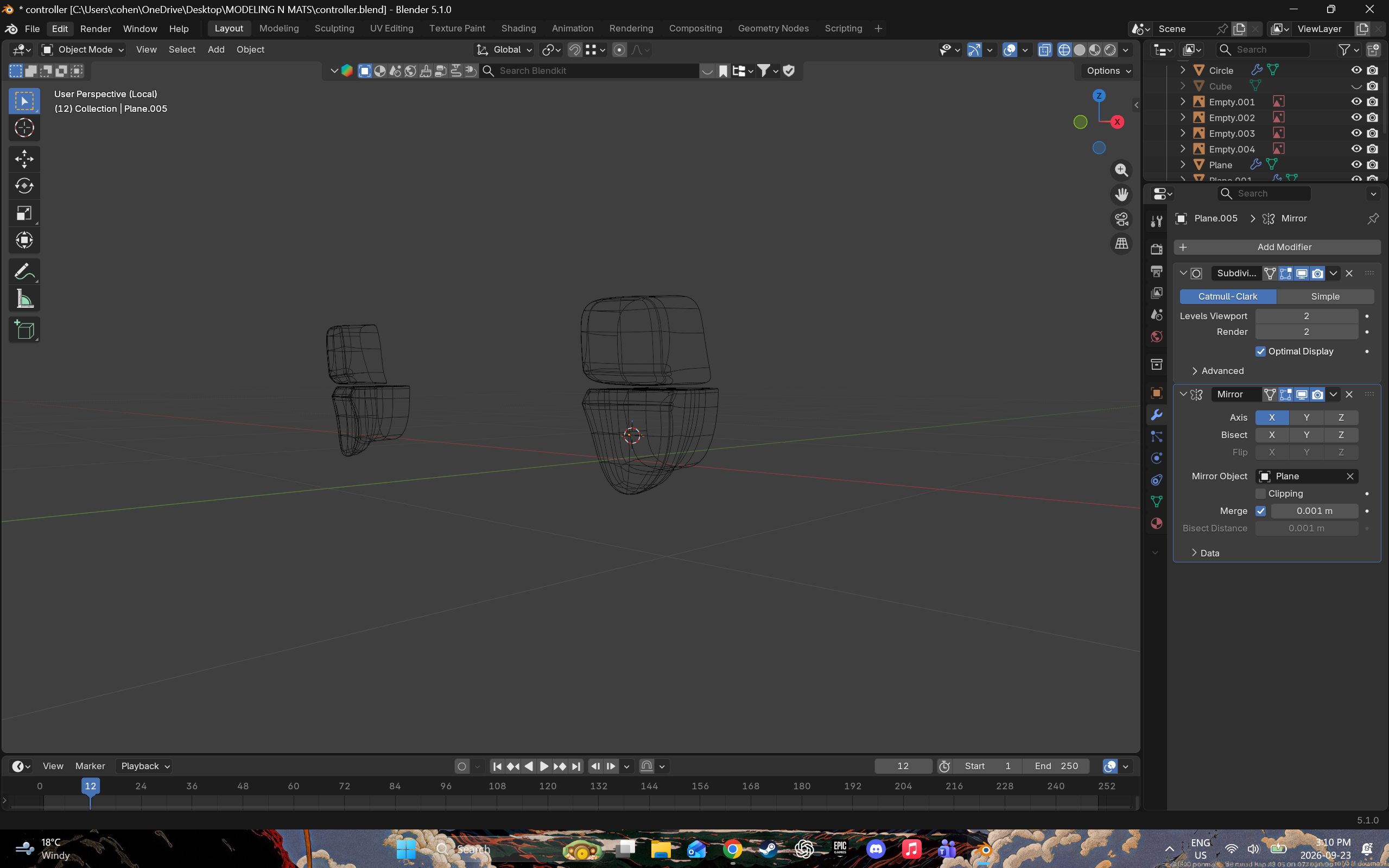
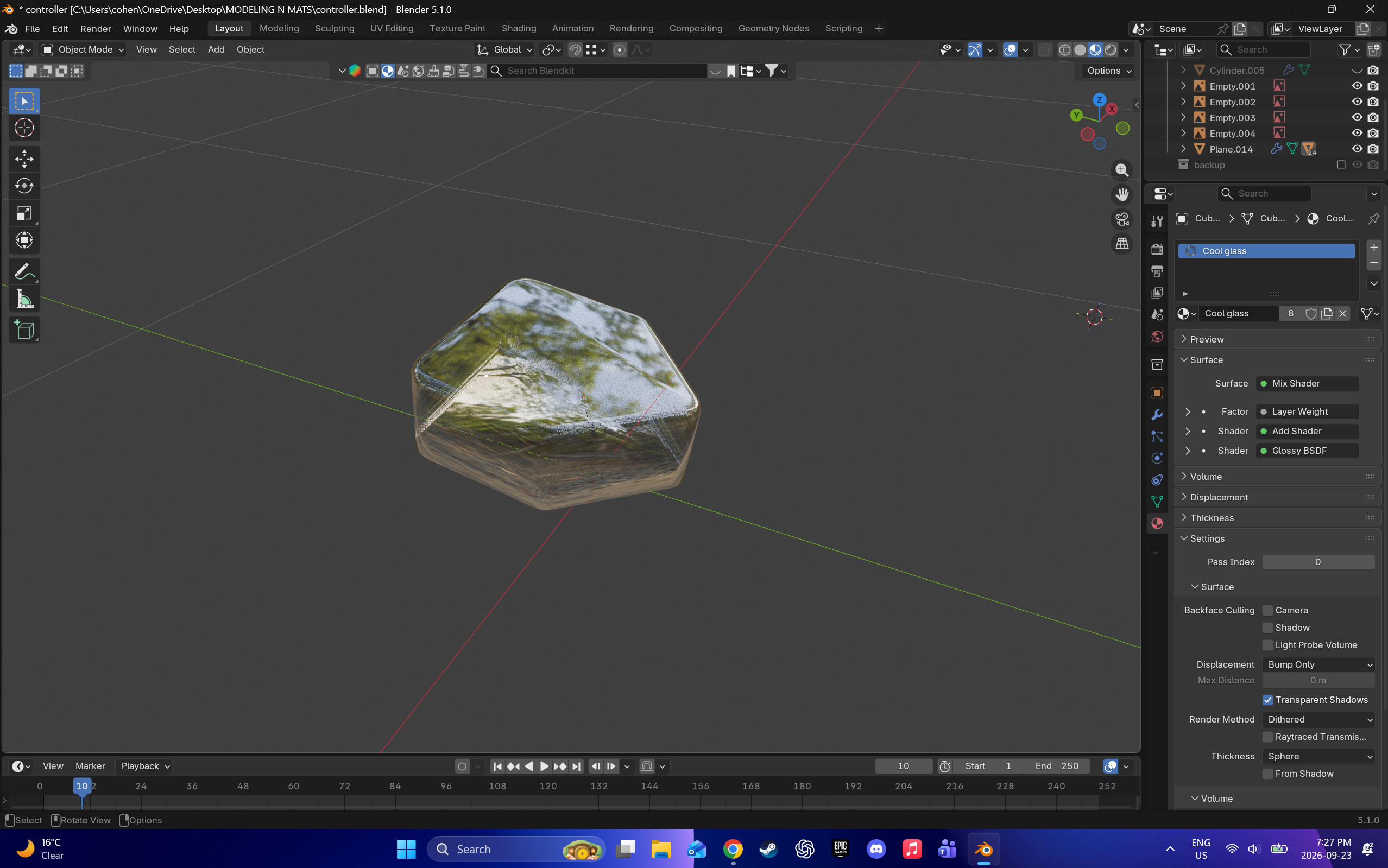
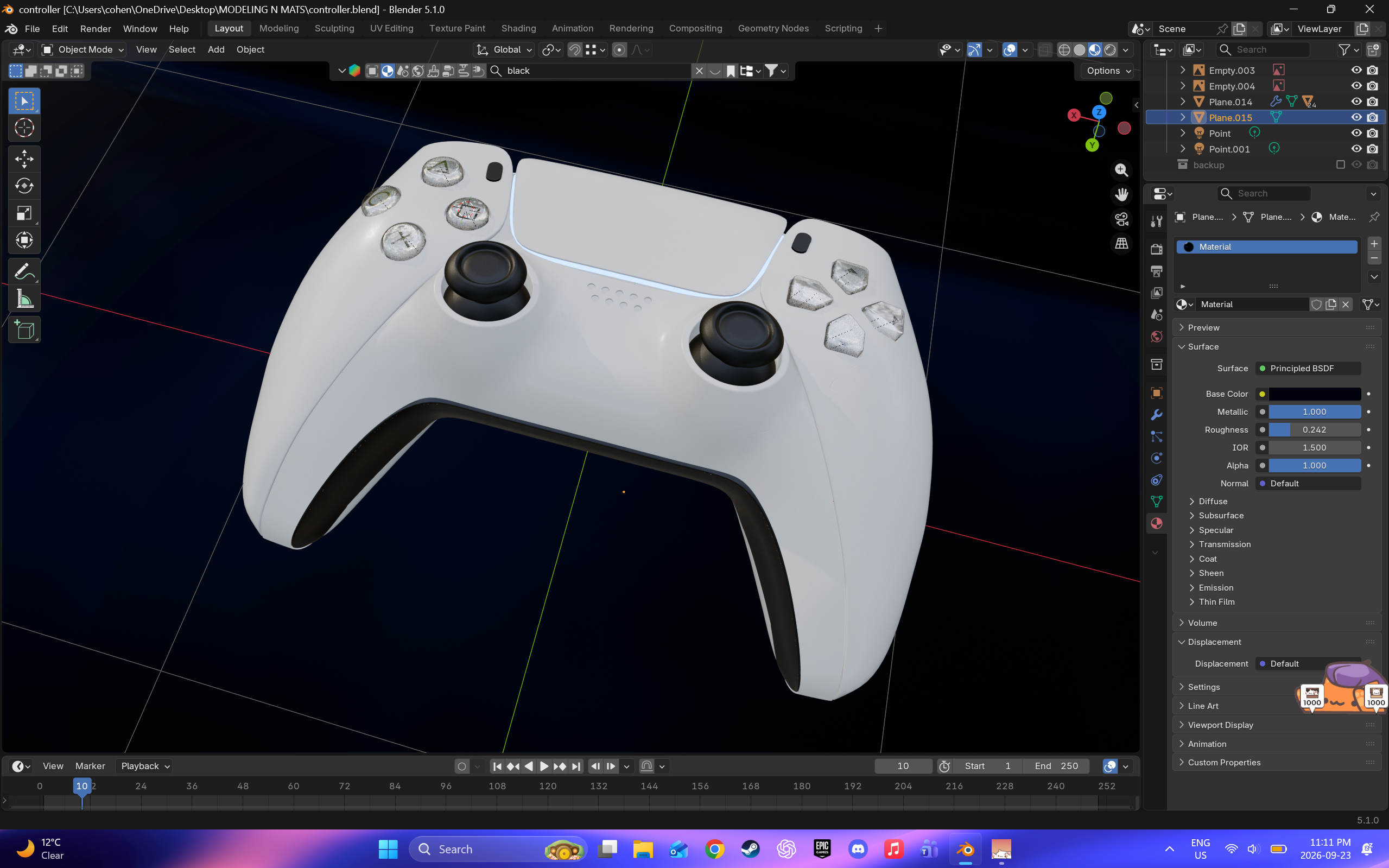
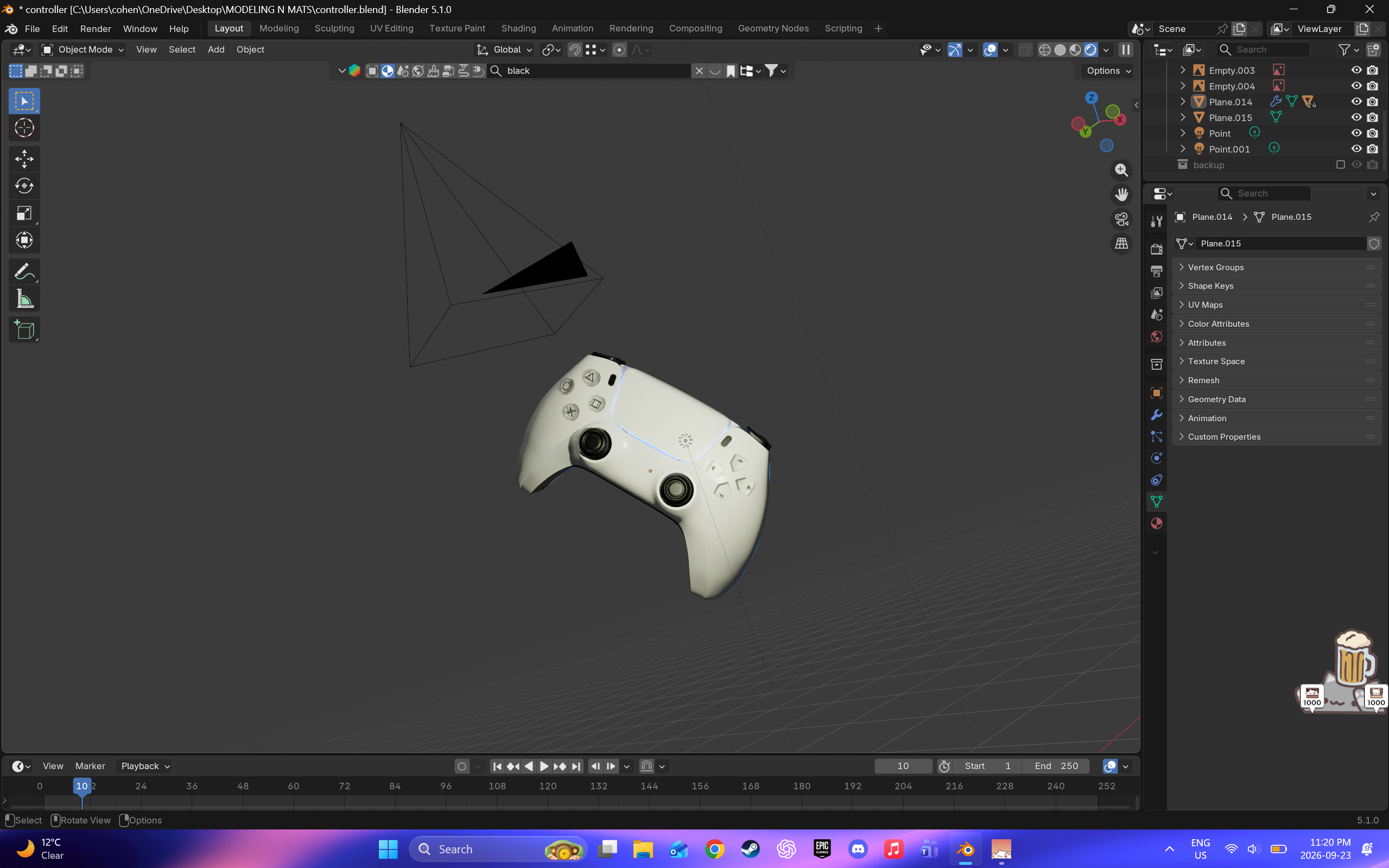
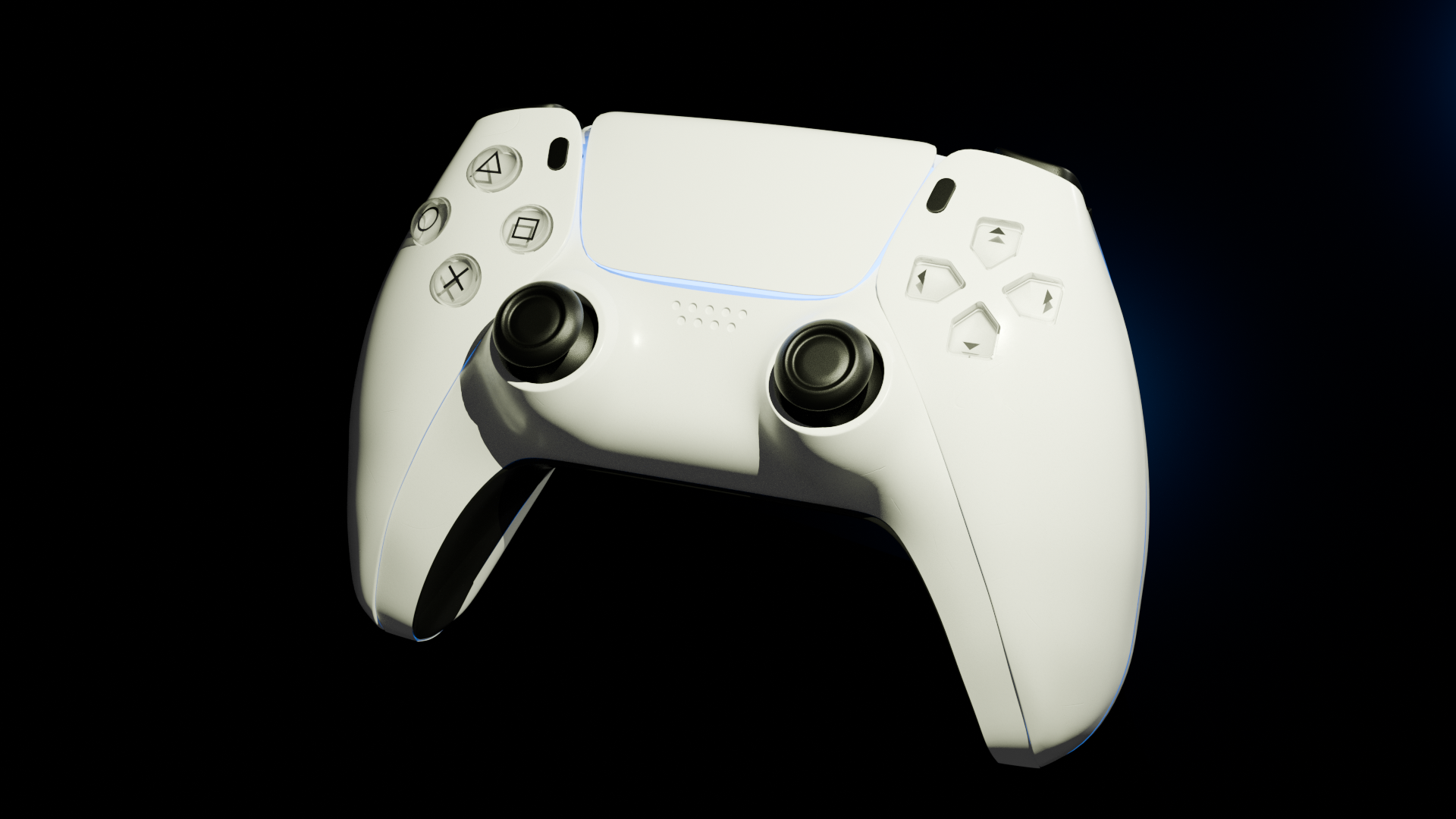
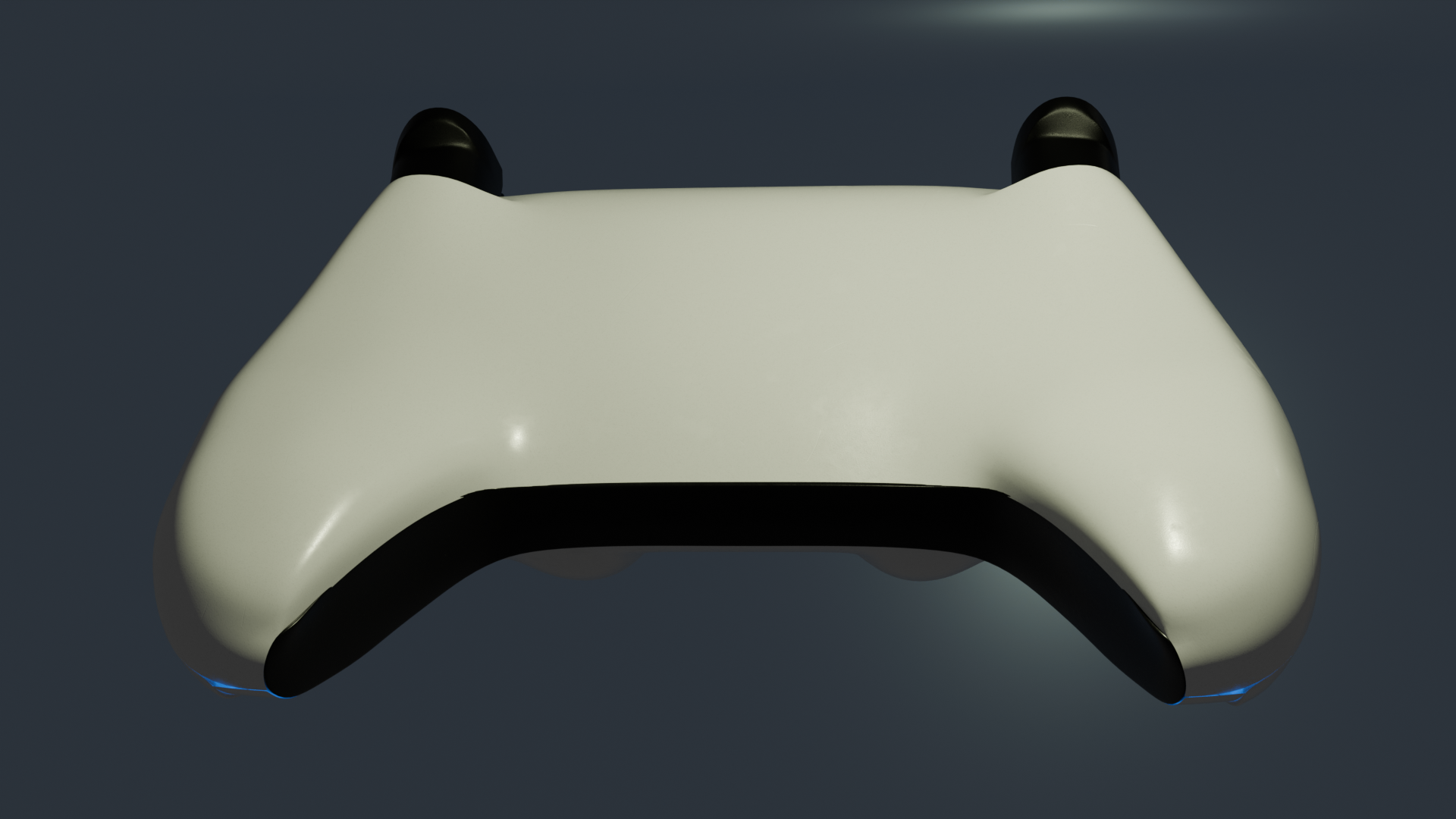
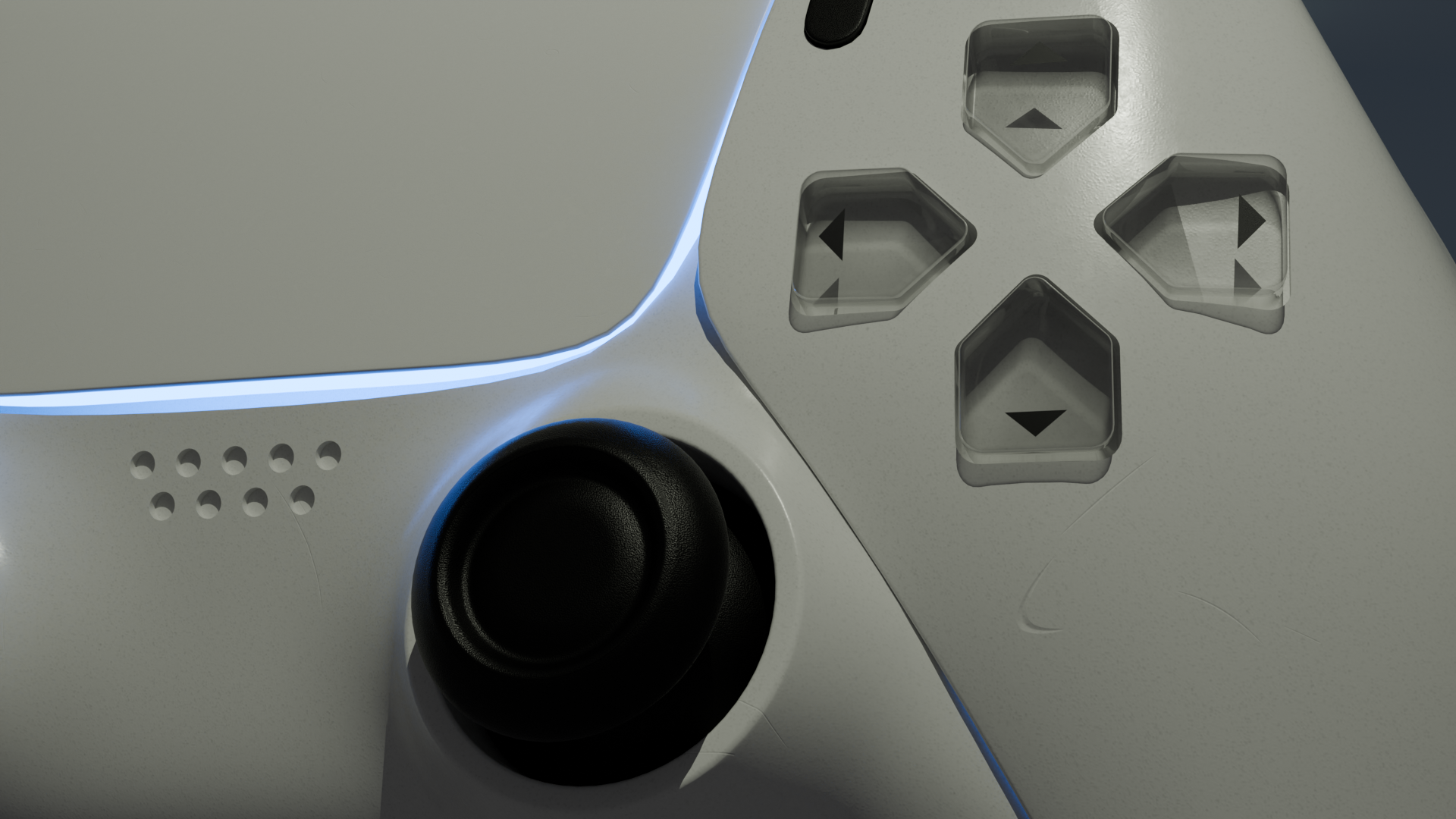
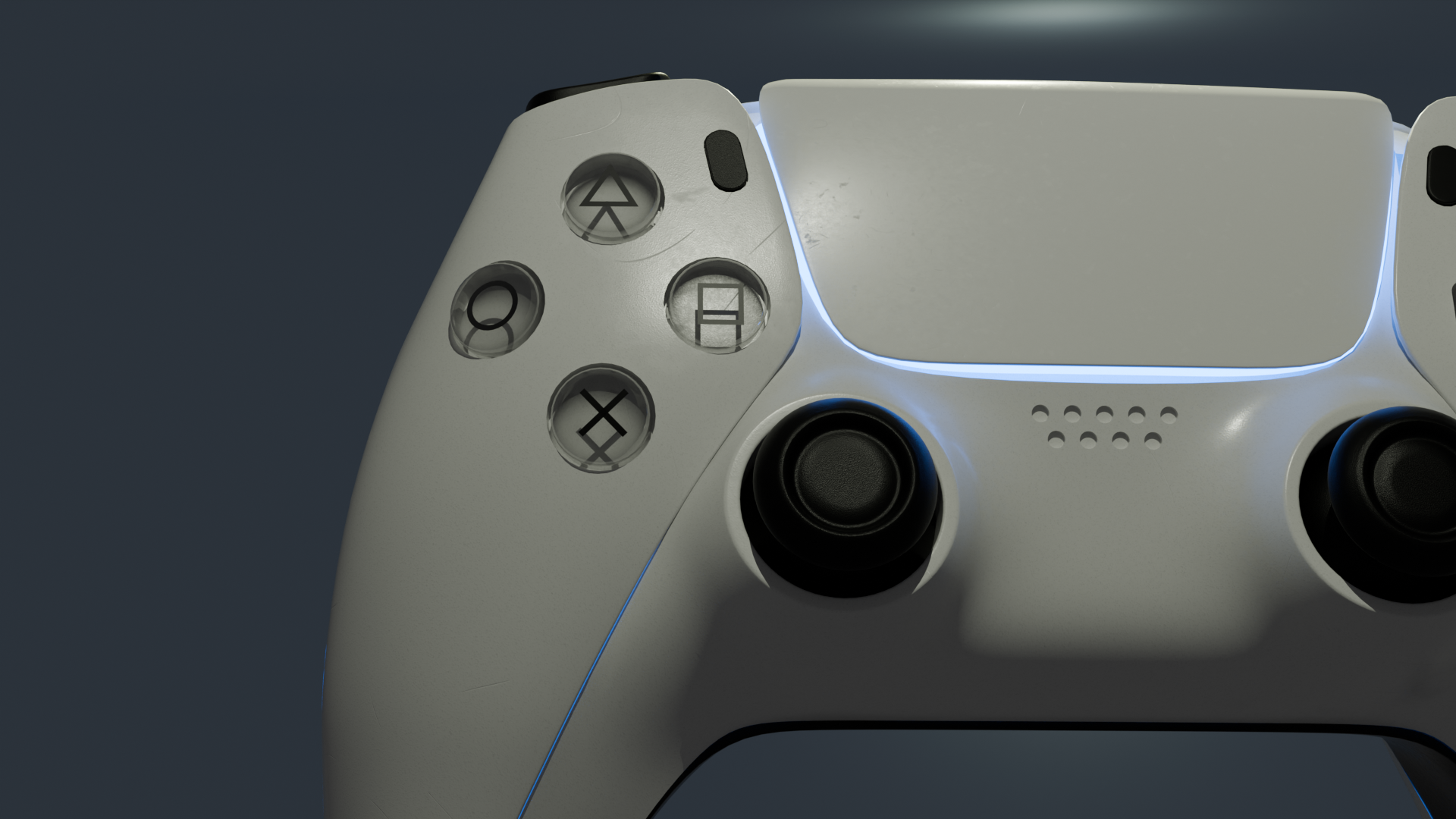
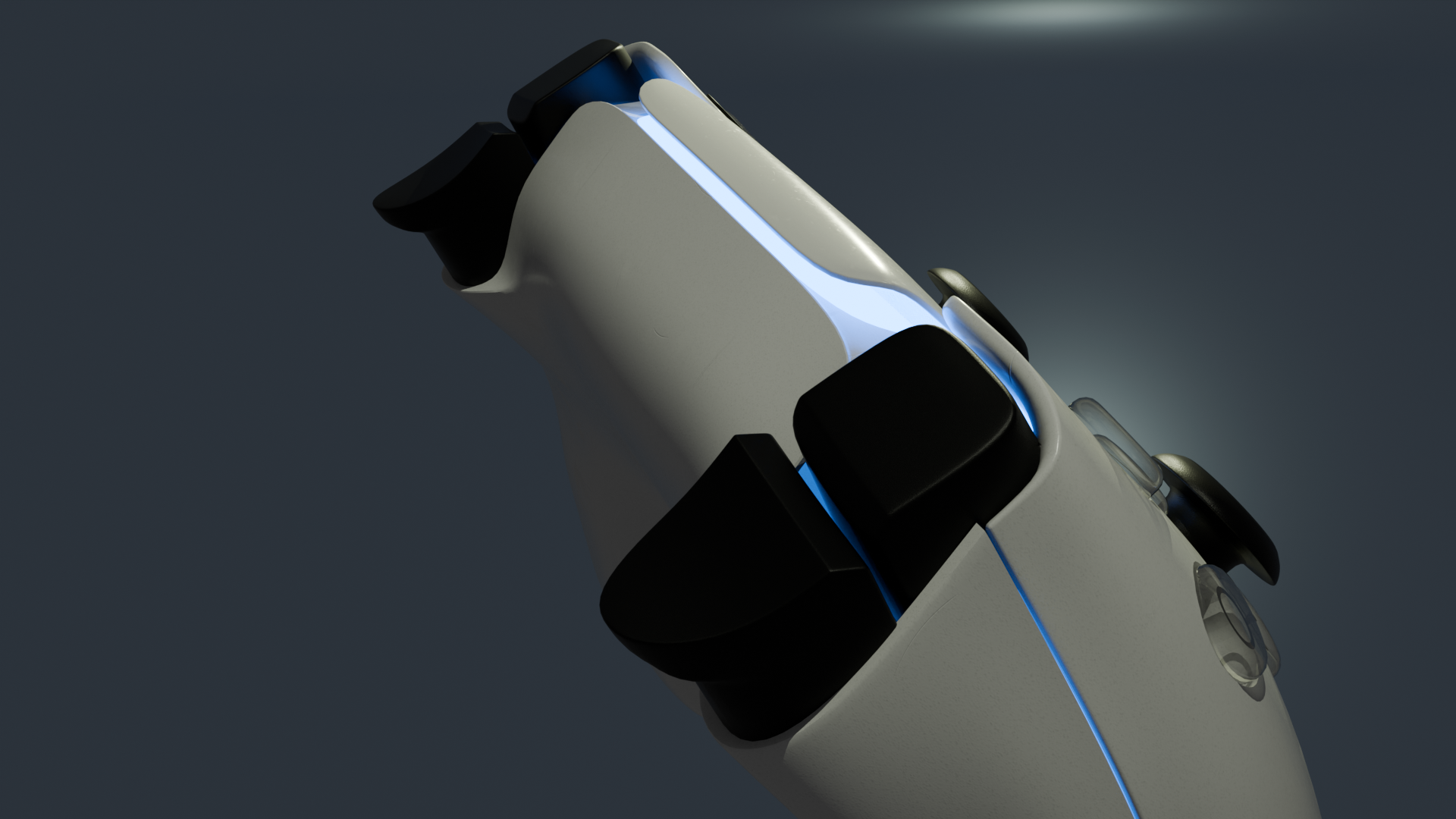
This is the reference sheet I used to model the controller from multiple angles I imported the reference sheet into Blender and aligned it to the center of the scene I began with a simple cube as the base for the controller body I scaled and rounded the cube to match the basic shape of the controller I used a mirror modifier to duplicate the left side of the controller to the right side, and continued shaping the handles I connected the two handles with the center section of the controller I adjusted the underside and continued shaping the curves of the controller body I used the reference image in edit mode to refine the proportions of the body I added more edge loops and smoothed the surface of the controller A view of the controller from the bottom, after connecting the sides together I extruded the front section to create the edges around the touchpad and handles I created a place for the triggers to fit into place I worked in wireframe mode to begin modeling the front details of the controller I created the frame for the analog sticks to fit into I modeled the analog sticks, and used a mirror modifier to duplicate them to the other side of the controller I brought the modeled parts together and checked how the pieces fit around the body I used a wireframe view to inspect the geometry and symmetry of the controller I tested a glass material to experiment with the transparent details on the controller I applied the final materials and began setting up the lighting for my renders My final setup, including the controller, camera, lights, and background Final render of the controller from the front Final render of the back of the controller Close-up render of the analog stick and directional buttons Render showing the underside and handles of the controller Alternate angled render of the finished controller

Material Workshop 1

Wooden light

Hard, breakable material with lots of visible grain. Often used in construction and art. This sheet wood is commonly used as a laser-cutter medium; it was cut into a light display.
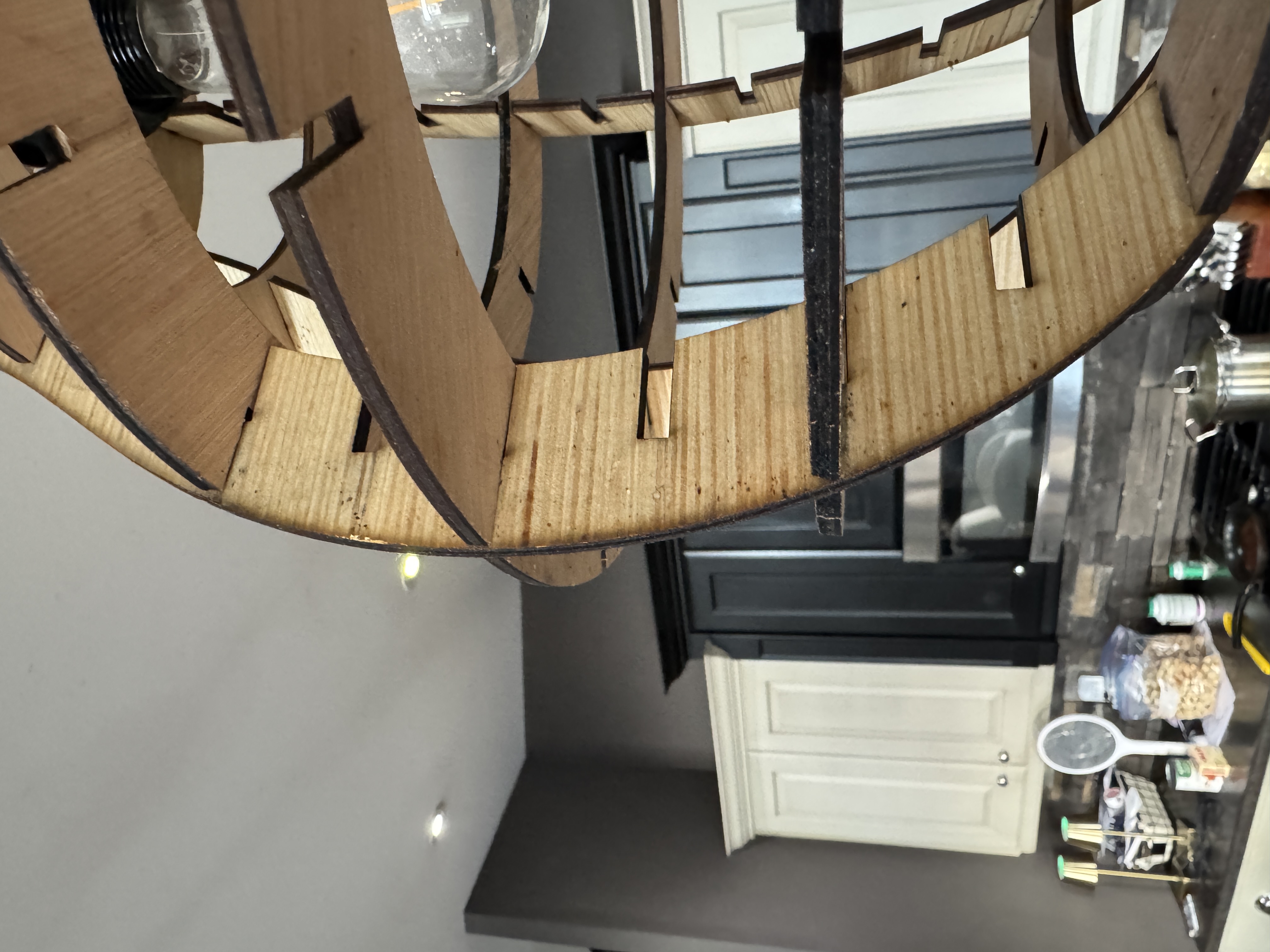
Wooden light display made from laser-cut sheet wood

Woven Rug

Woven from textile fibers, the rug has a coarse, textured surface. Its flexible yarns create a dense, durable material.
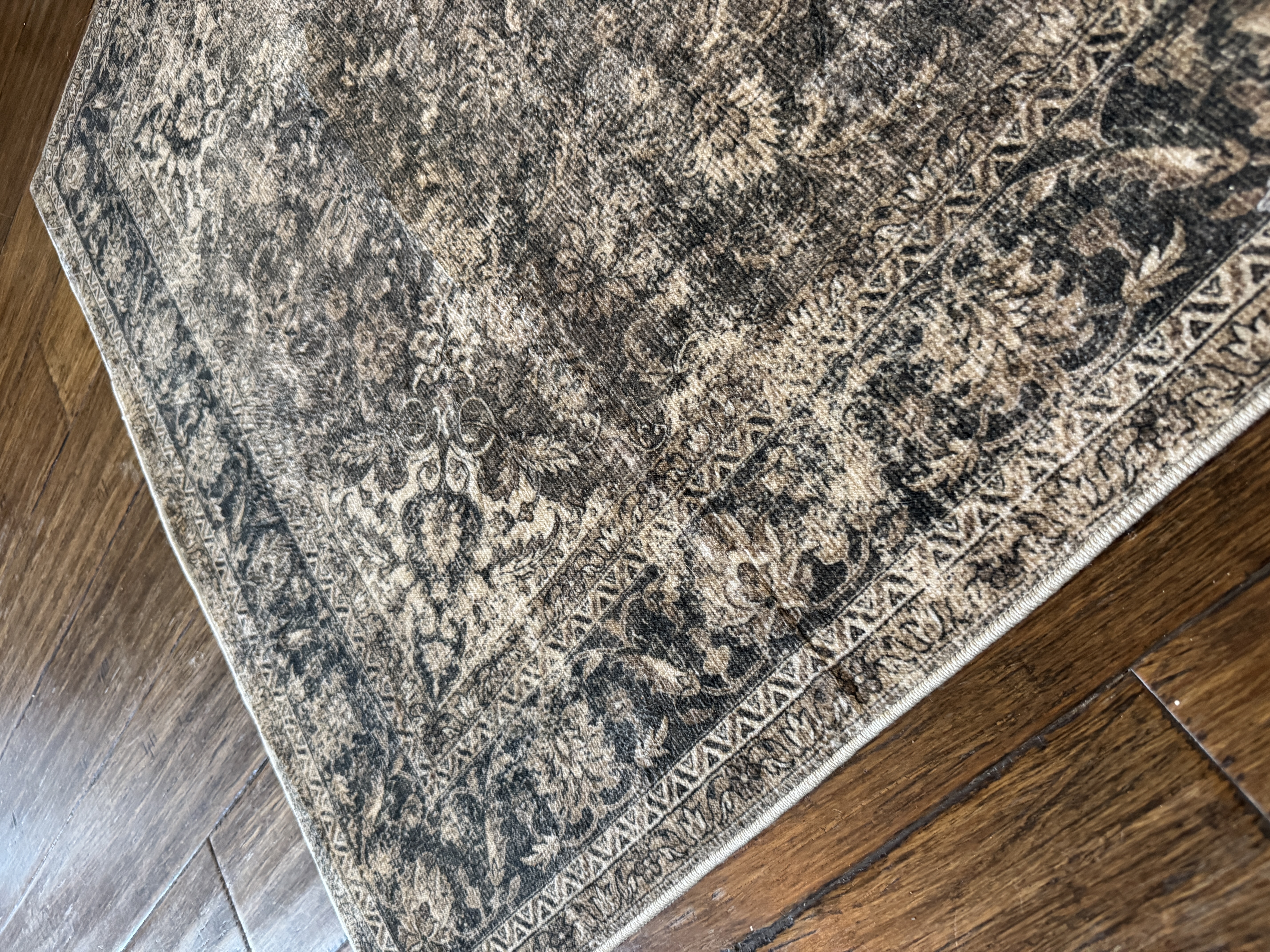
Close-up of the textured fibers in a woven rug

Metal Art Piece

Dense, heavy metal material, structurally very sound, and not malleable. This art piece was dented with a hammer and has a metallic surface.
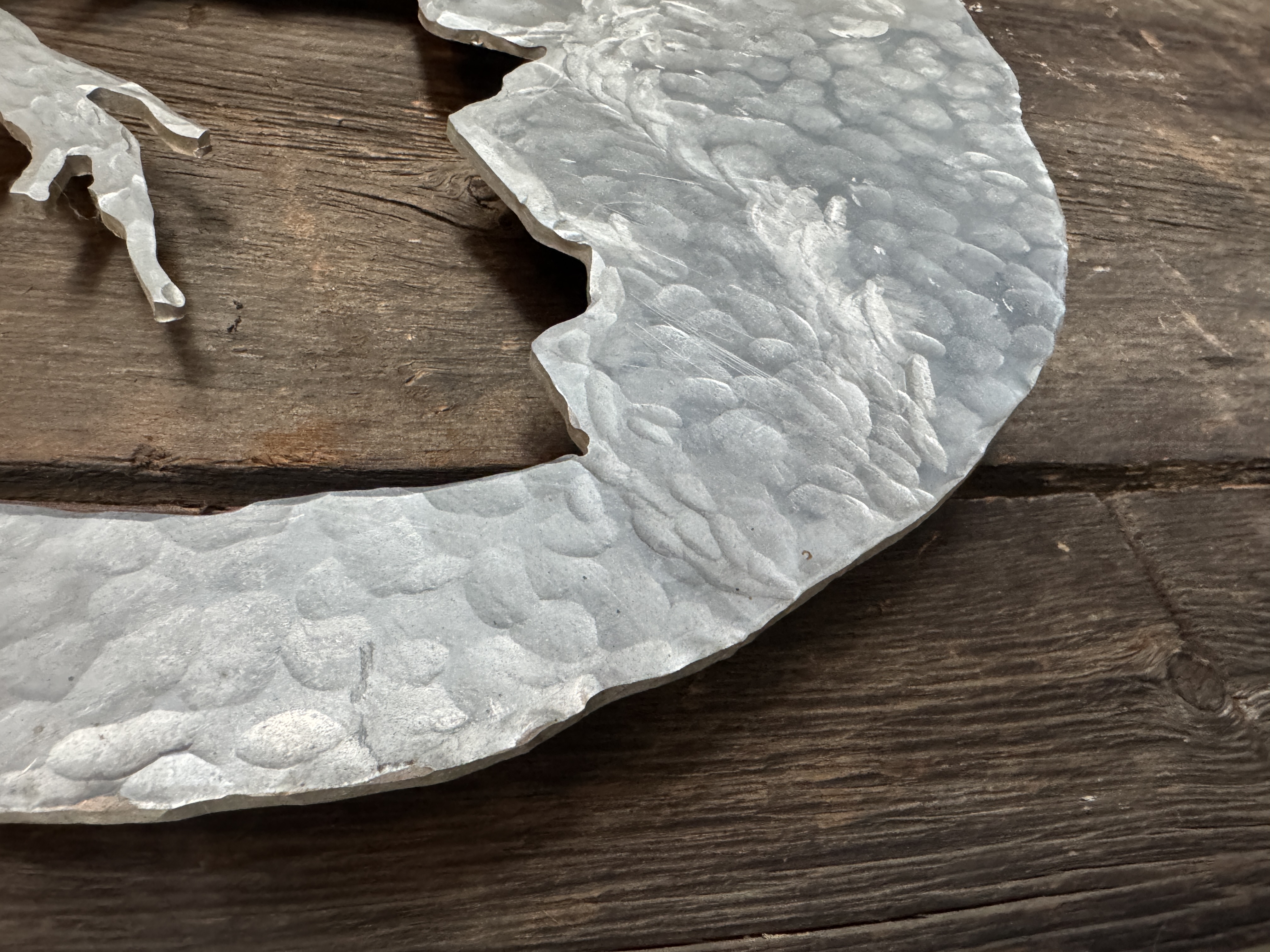
Metal art piece with a hammered, metallic surface

Material Workshop 2

Block of Quartz

Heavy, smooth, solid, rigid, dense, and raw, with cloudy white and grey coloring.
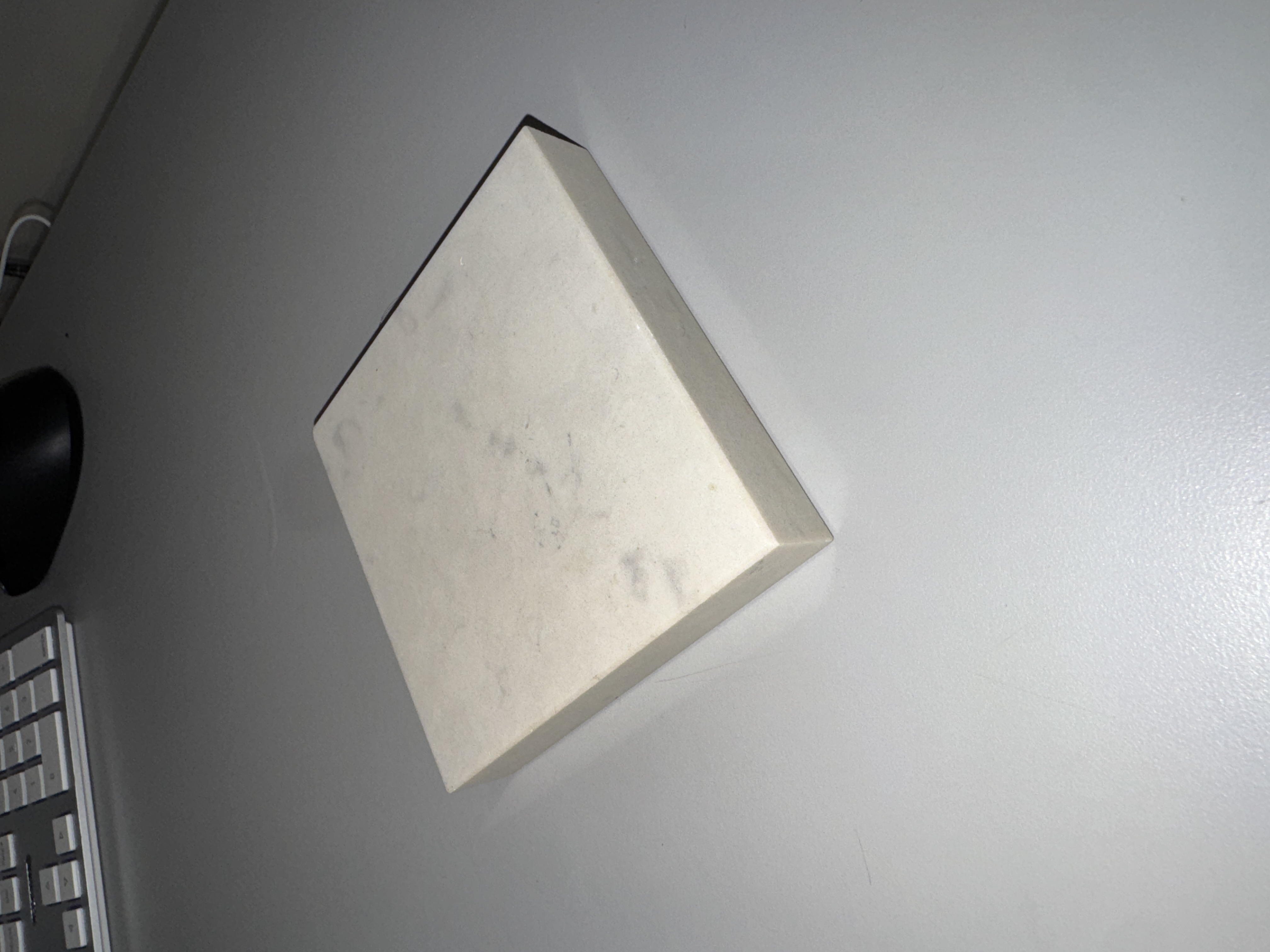
Block of quartz

Small Metal Bird

Dense, metallic, raw, rough, silver, intricate, and solid.
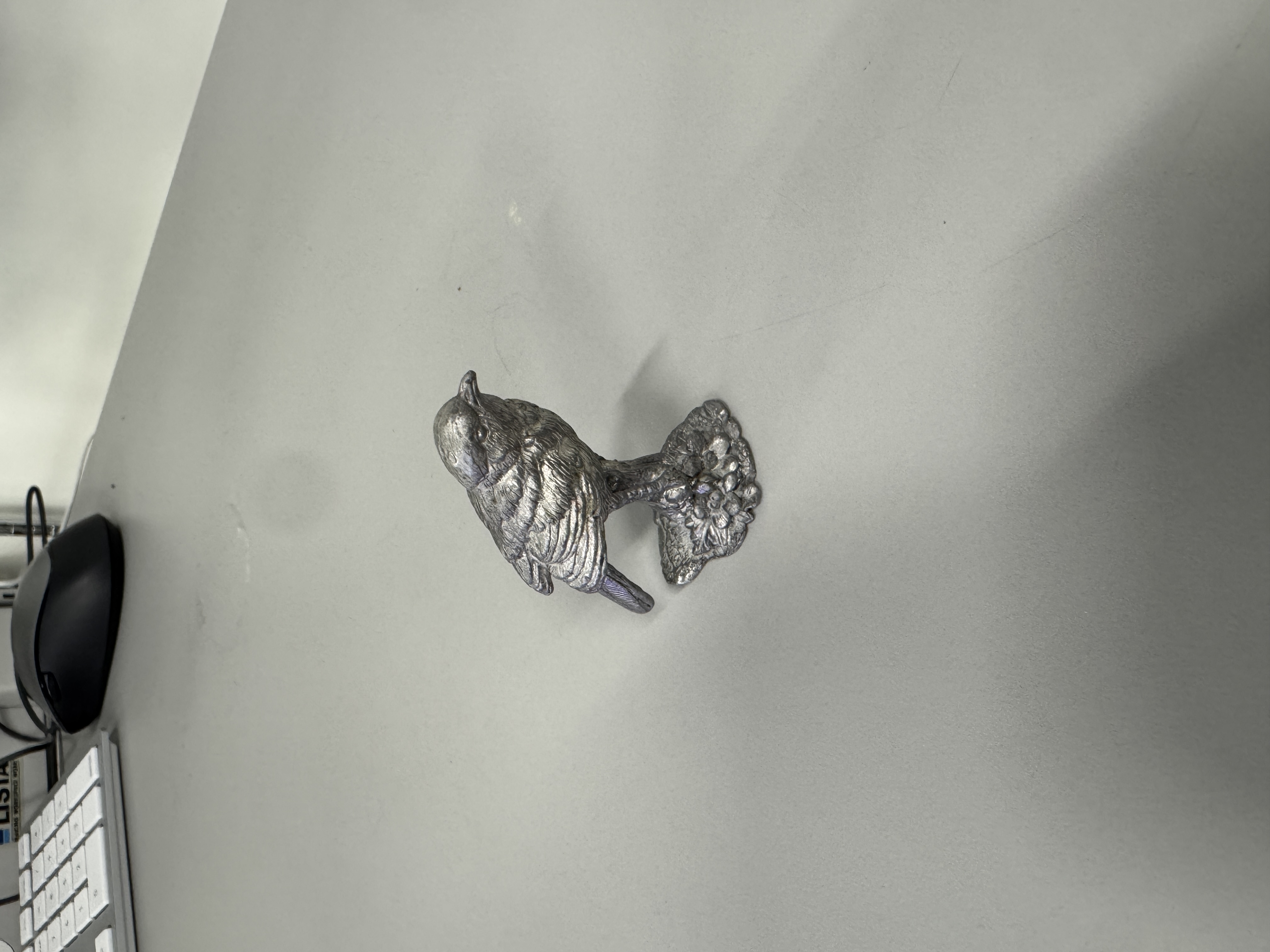
Small metal bird

Ball of Yarn

Soft, squishy, fine woven thread with a rough, rigid fiber that is not stretchy.
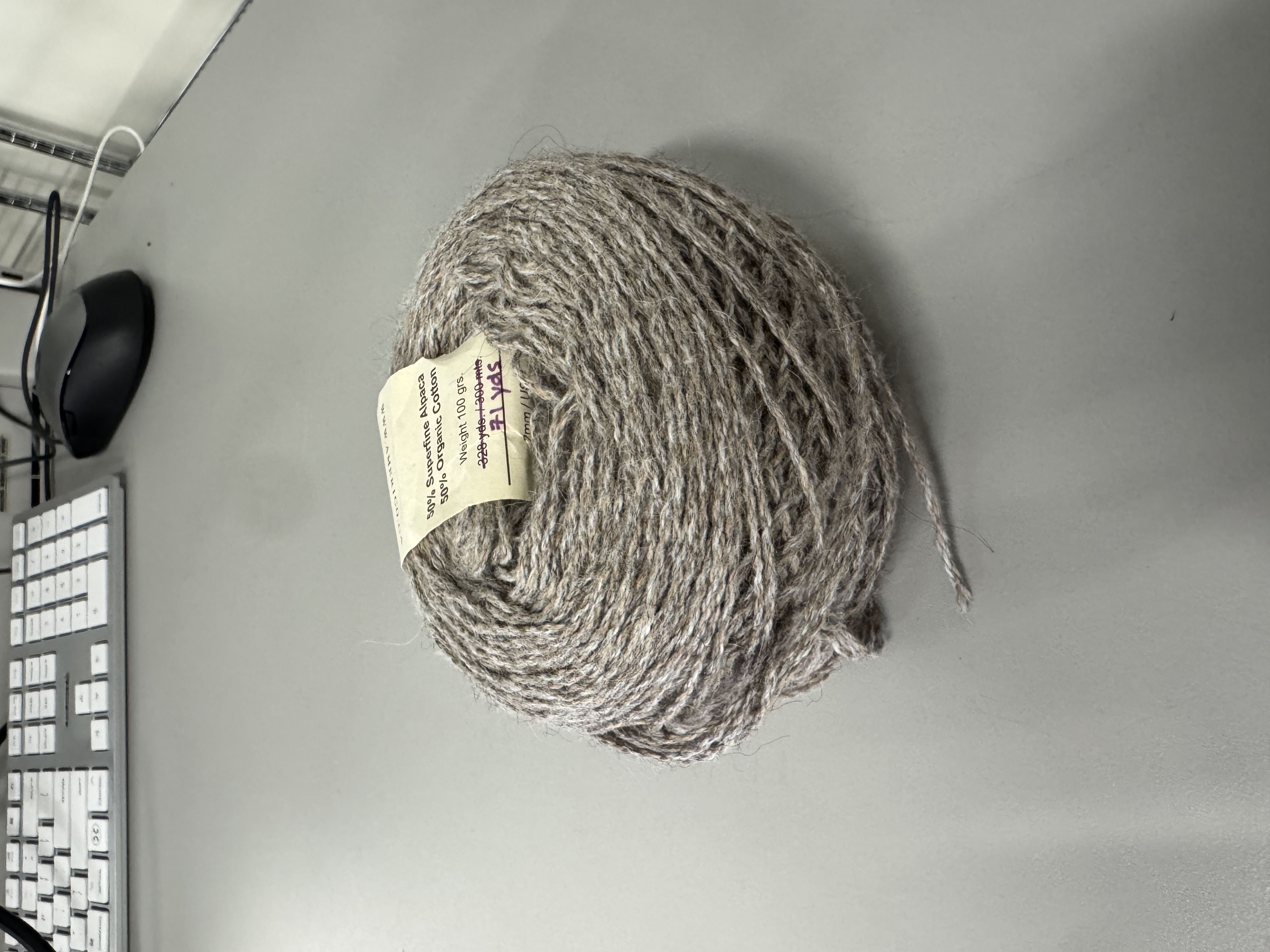
Ball of yarn

Project 1


Project 1 Models

Published 3D Model 1

PlayStation 5 controller, modelled using Blender.

Published 3D Model 2

Pen, modelled using Blender.

Published 3D Model 3

Keyboard, modelled using Blender.

Powered by w3.css